

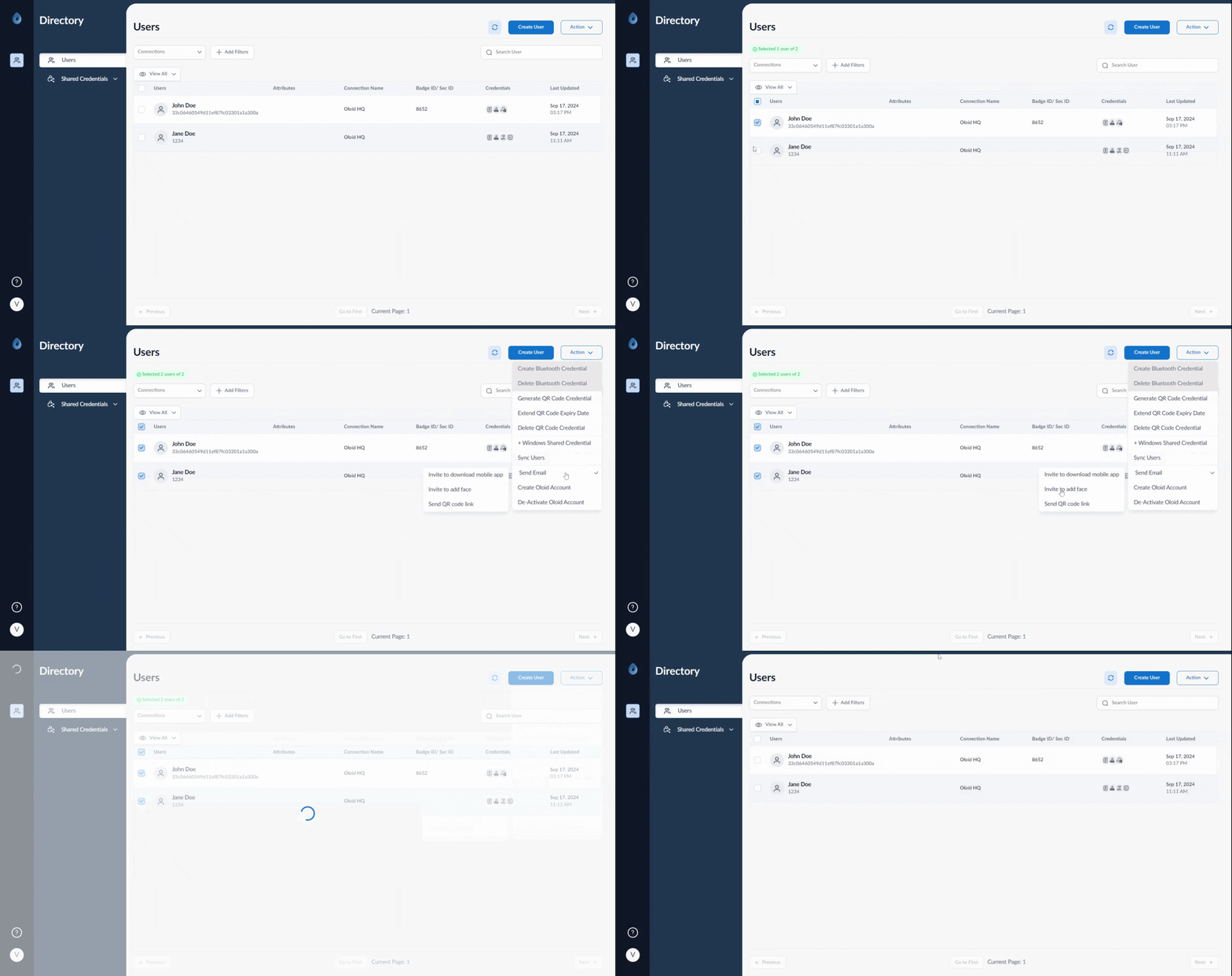
- Log in to the Supervisor Portal. The Users page is displayed.
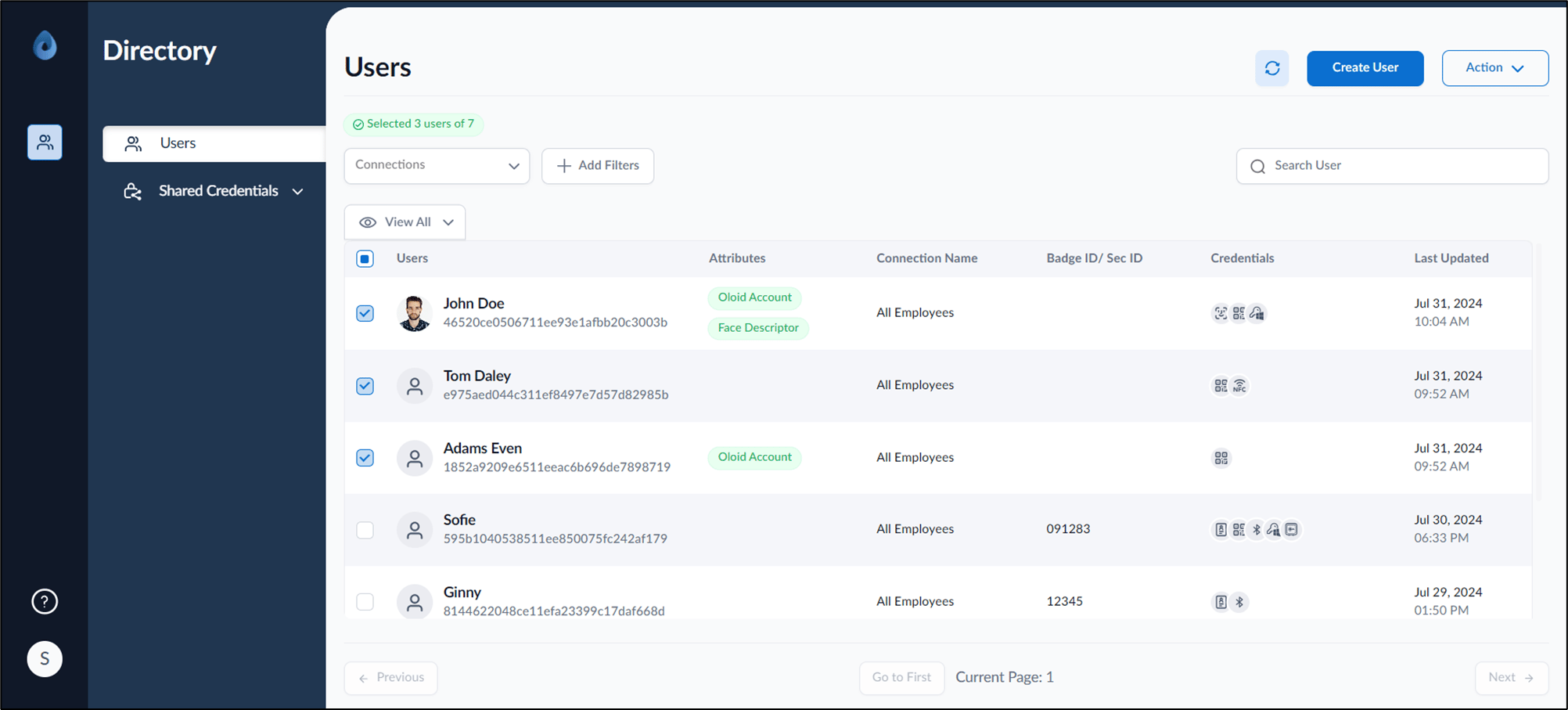
- Select user(s).
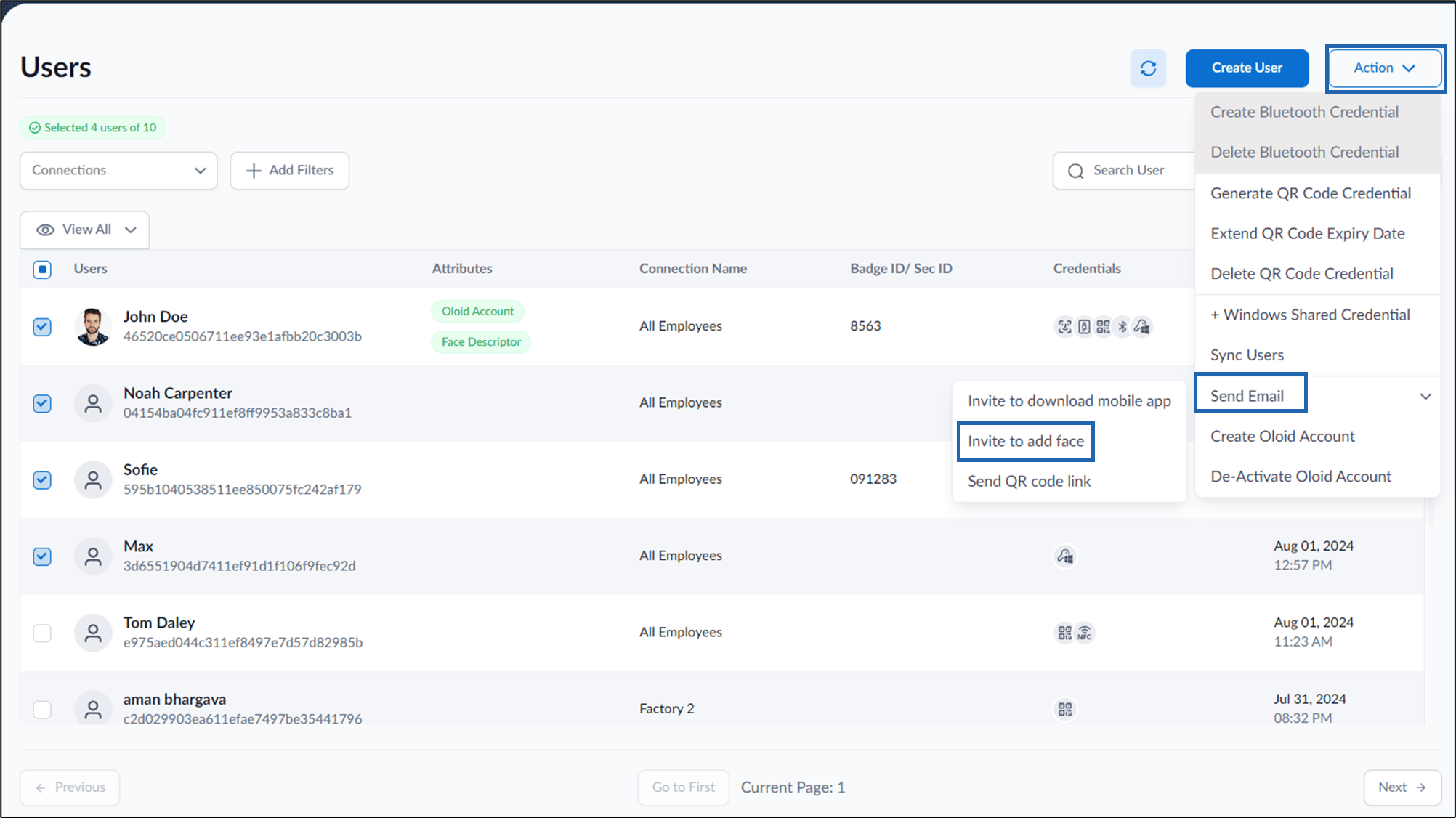
- On top right, Click Action > Send email > Invite to add face.
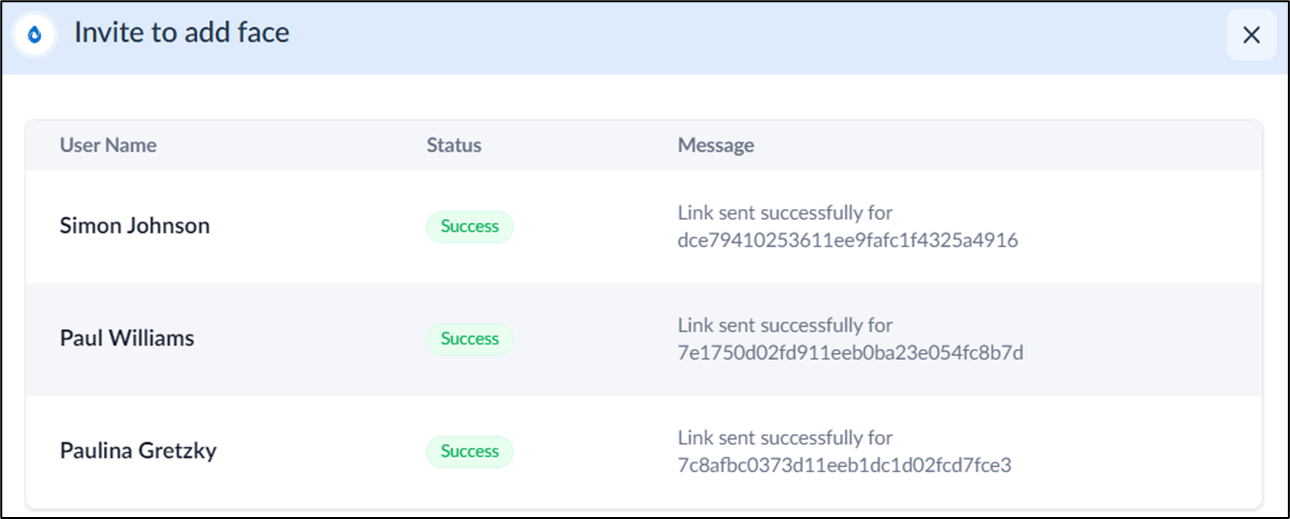
This document provides step-by-step instructions to invite to add face in bulk in the Supervisor Portal.