

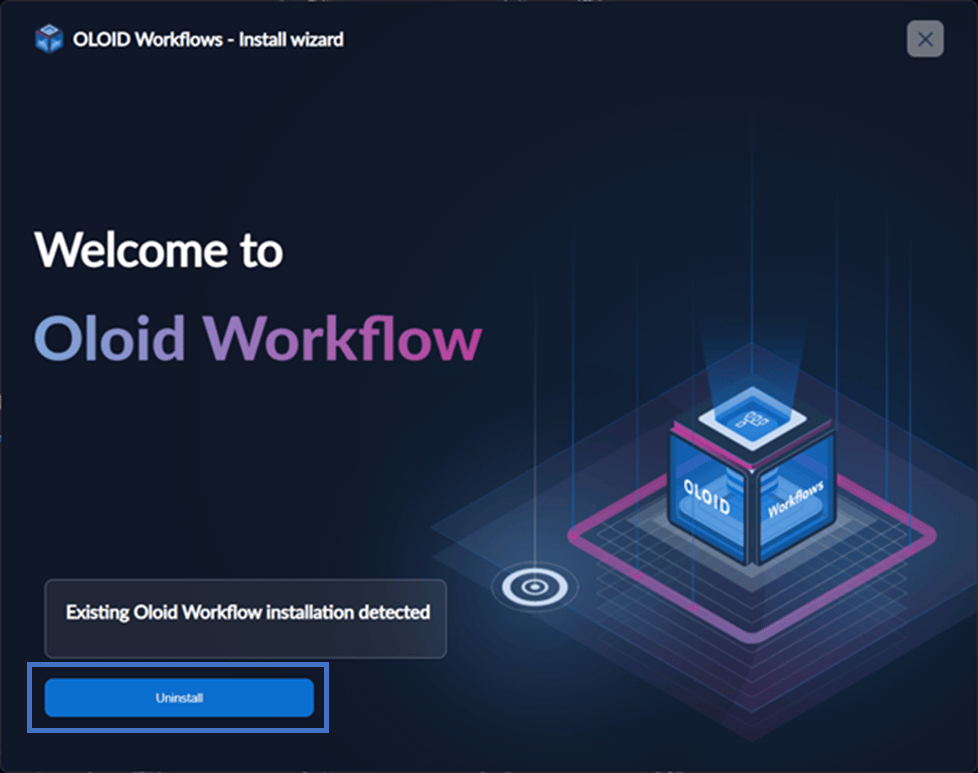
- Right click & open Oloid Workflow Installer with Run as Administrator option. The installer will auto detect existing installation and requests for Uninstall.
- Click Uninstall to proceed.
- A windows pops up to show the uninstallation progress.
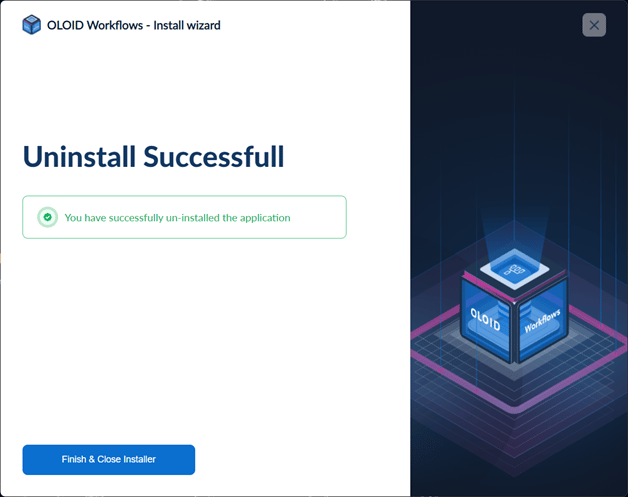
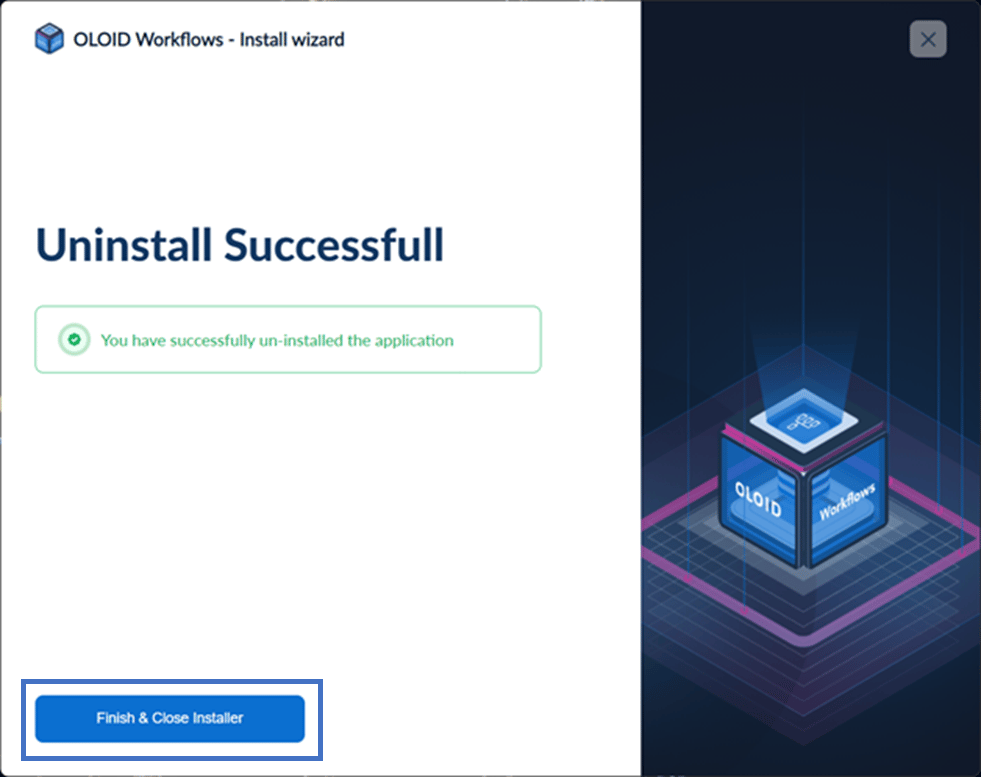
- Once the installation is complete, a confirmation message will appear. To close the installer, click Finish & Close Installer.
How to uninstall Oloid Workflow
The installer will auto detect existing installation and requests for Uninstall.
To uninstall:
⌘I