

Steps to generate a Client ID and Secret
- Log in to the Oloid Portal.
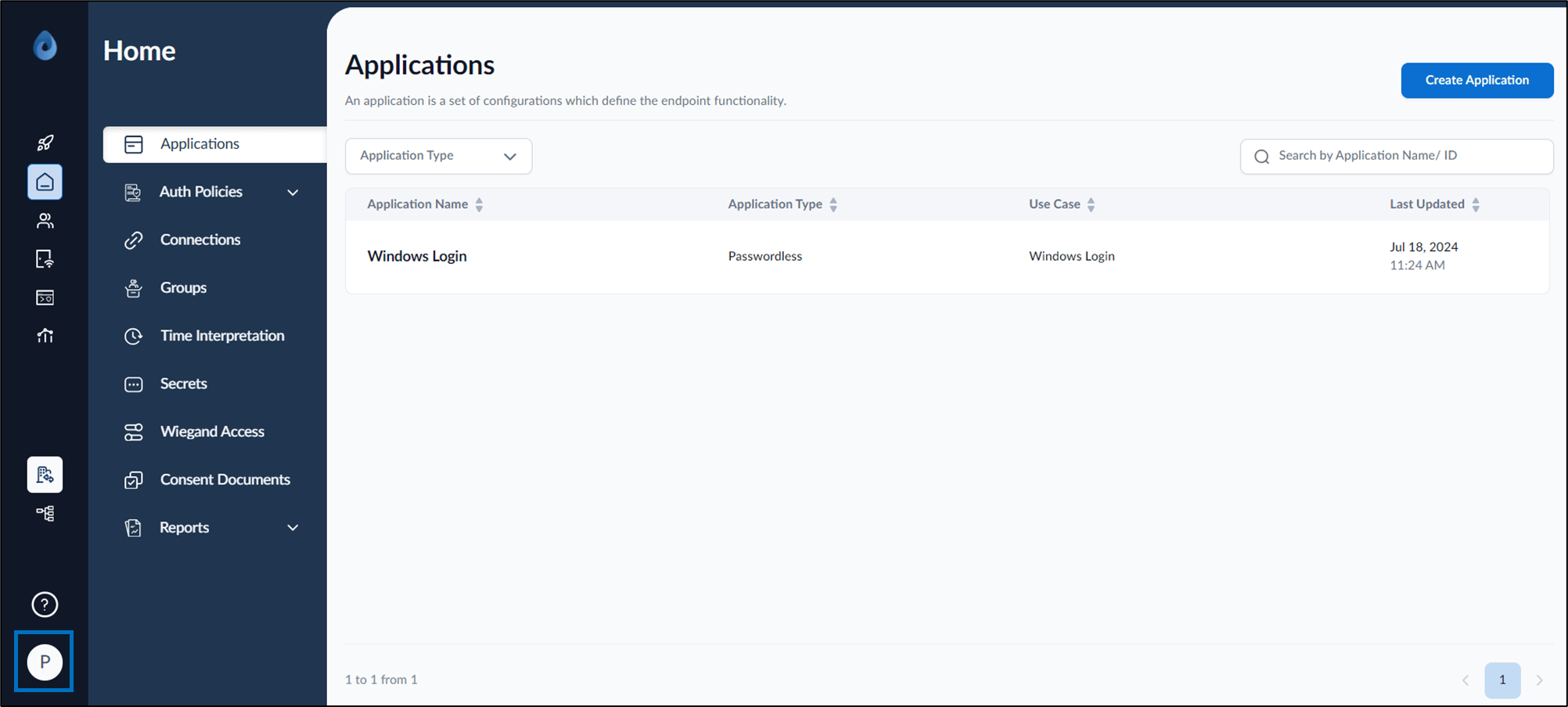
- On the homepage of the portal, click user profile icon on the bottom left corner of the menu panel.
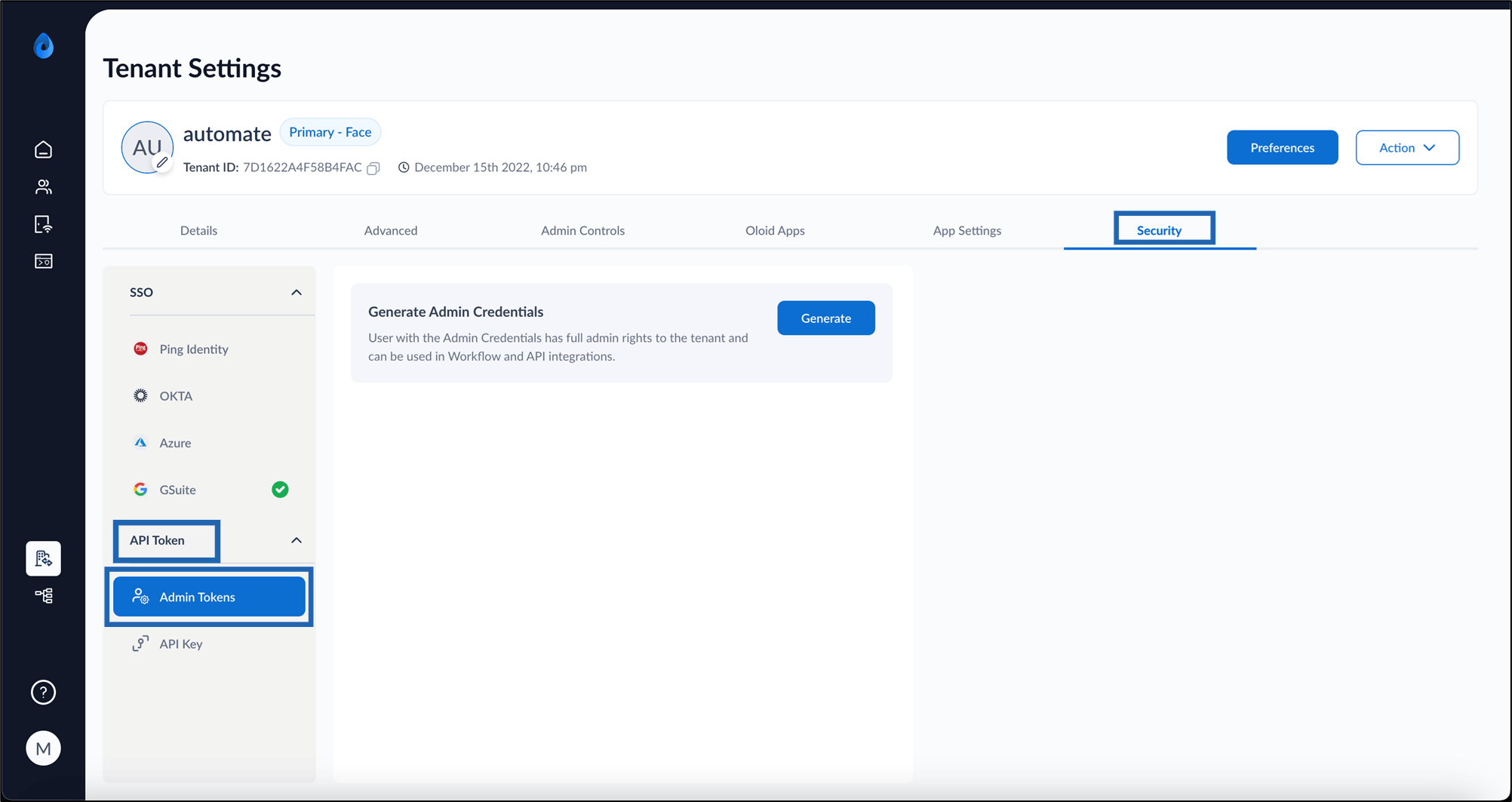
- Click Tenant Settings. Could not display content The Tenant Settings page is displayed.
- Go to Security Tab > API Token > Admin Token.
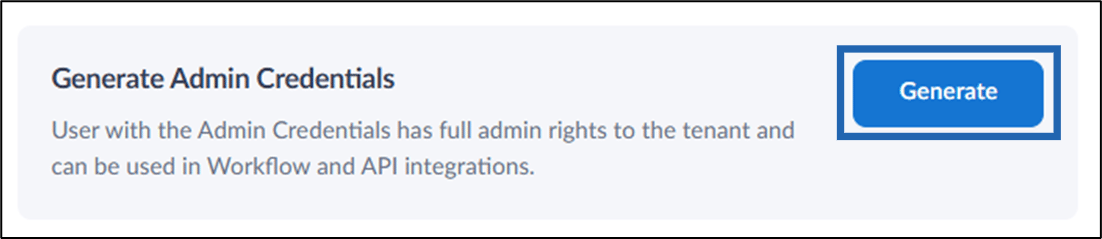
- Click Generate to generate a new Client ID and Client Secret.
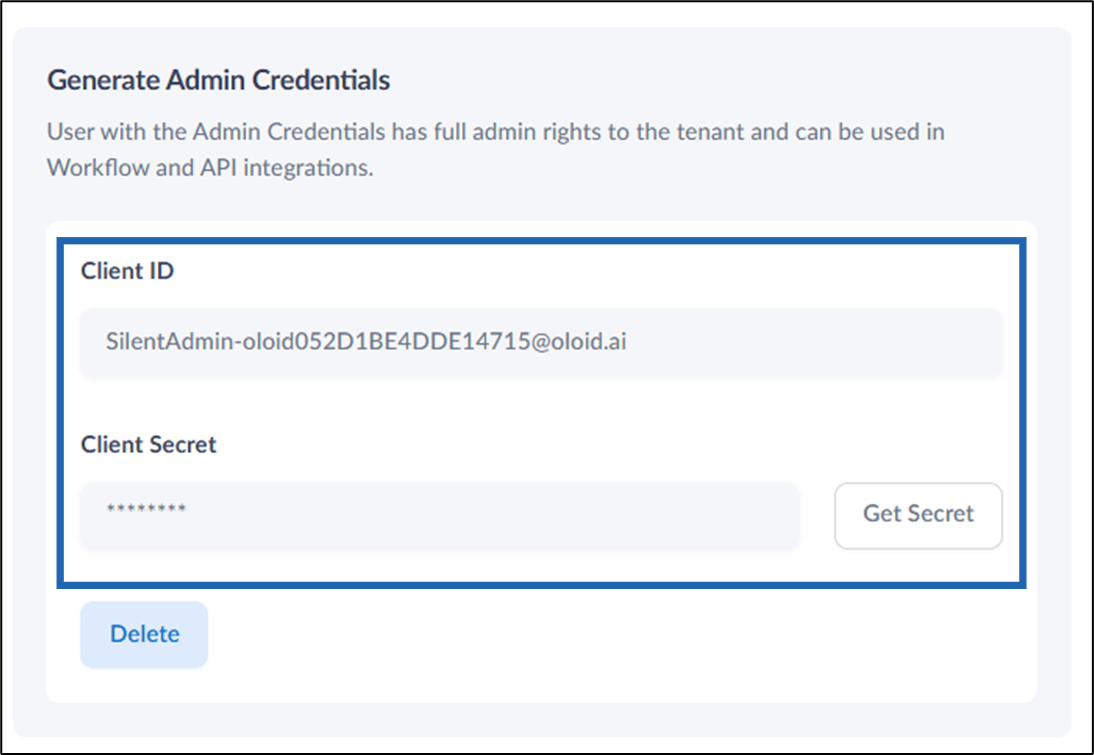
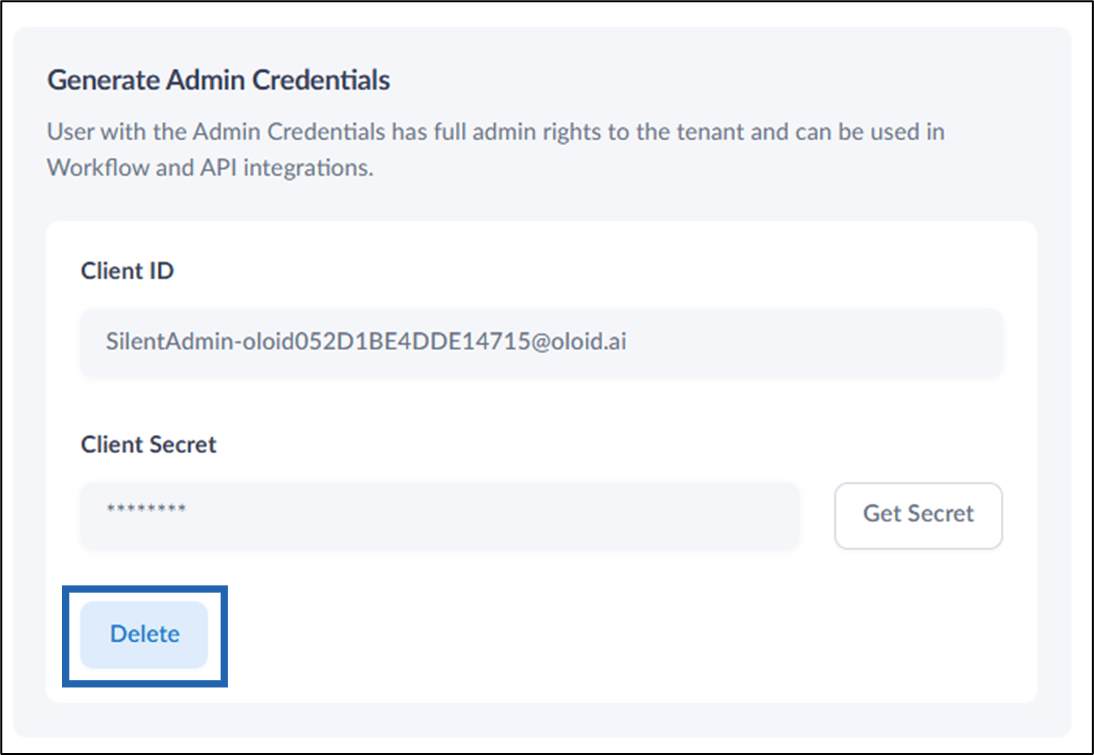
- Client ID: This is a unique identifier for your tenant.
- Client Secret: This acts as a password and should be kept confidential.
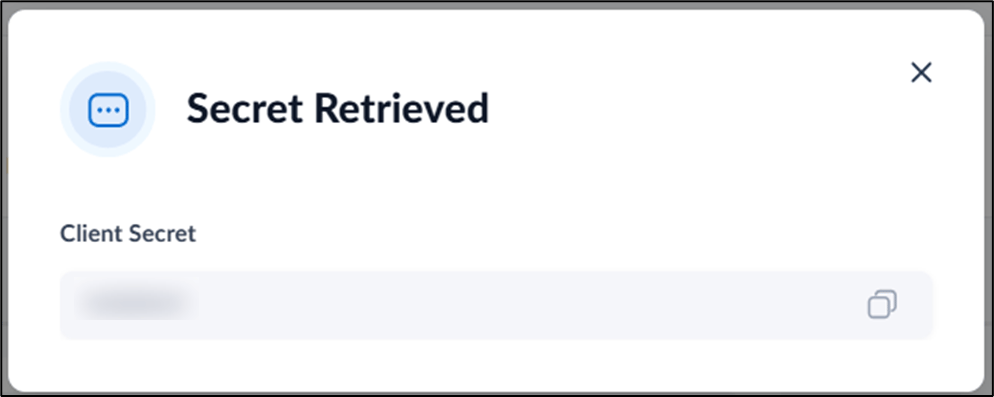
- Get Secret: Click Get Secret to show the unmasked Client Secret.
Deleting and Regenerating Credentials
If you need to revoke the current credentials:- Click the Delete button next to the existing Client ID and Secret.
- Repeat the steps above to generate a new set of credentials.