Introduction
The Tenant Admin Portal allows the admin to manage user accounts, including adding, updating, and removing users as required. Removing a user ensures that their access to applications and resources linked to the Tenant Admin Portal is permanently revoked.Prerequisite
A User must be created. To create user refer How to add Users in the Tenant Admin Portal.Steps to remove user
- Log in to the Tenant Admin Portal.
- On the home page of the portal, click Directory on the left menu panel.

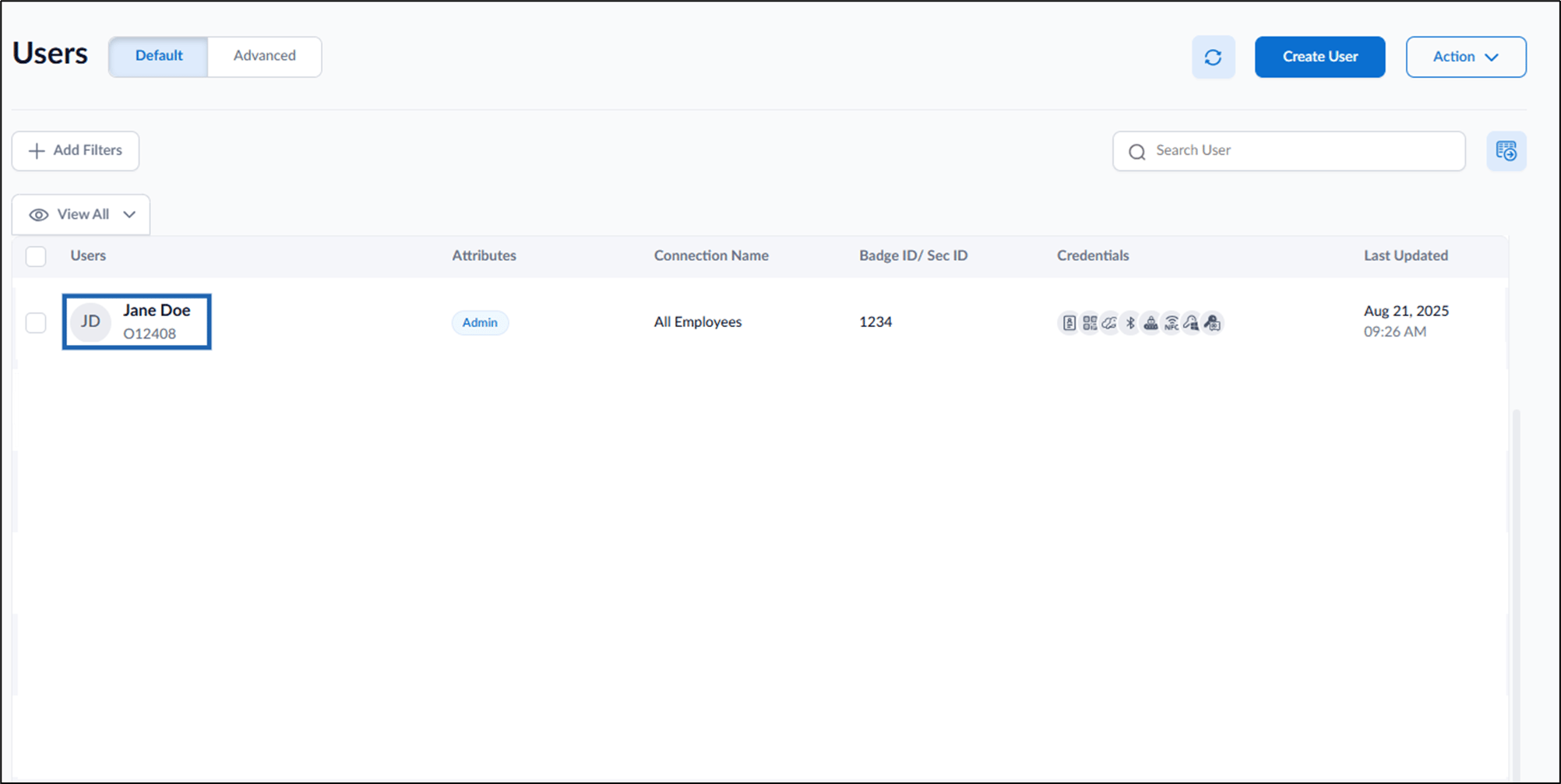
- Click Username to edit.
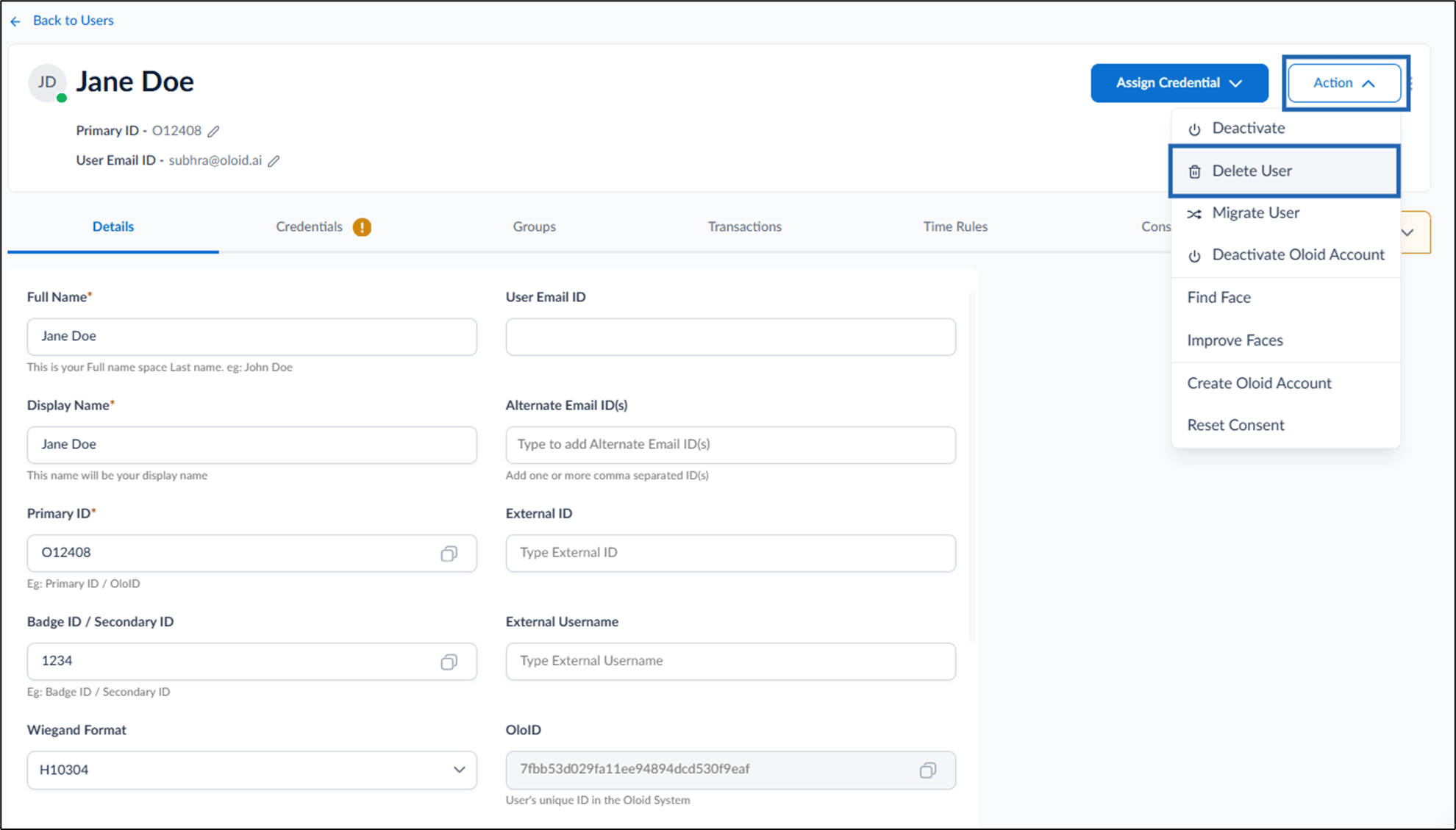
- On the top-right, go to Action > select Delete User.
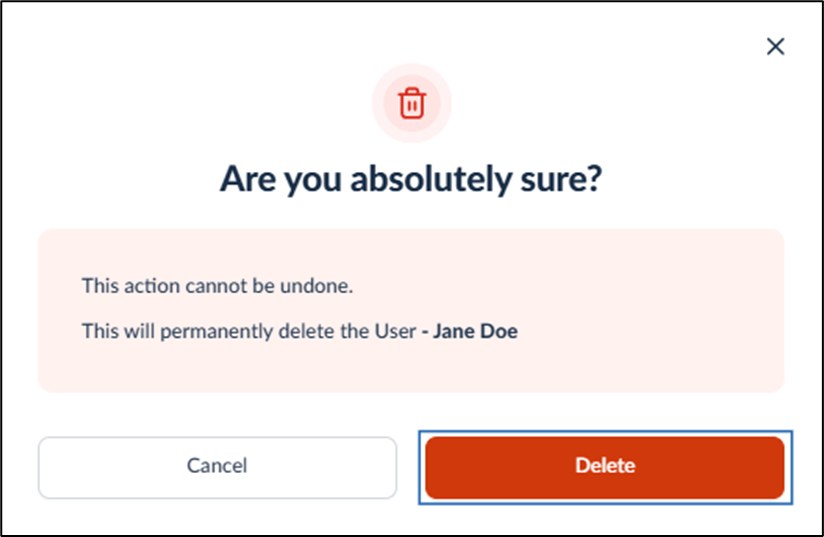
- Click Delete.