- Log in to Oloid Portal.
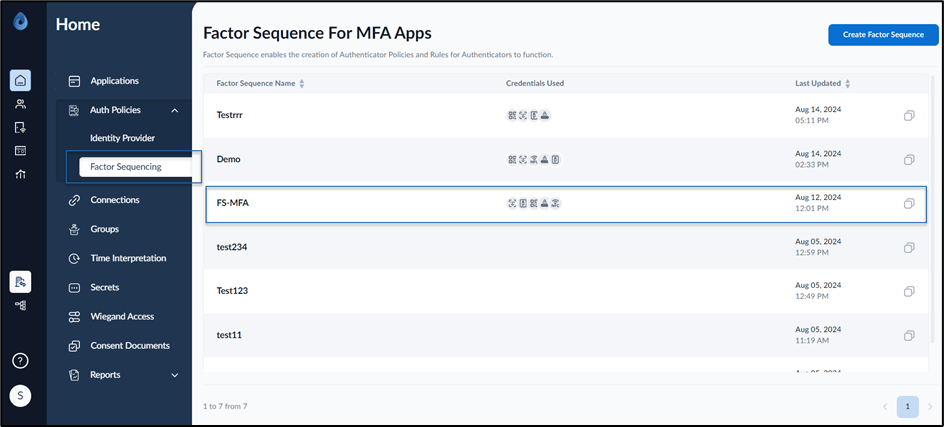
- Go to Auth Policies > Factor Sequencing
-
Select the Factor Sequence Name to edit.
-
Select Policy Rules tab.

-
Click Add Rule.
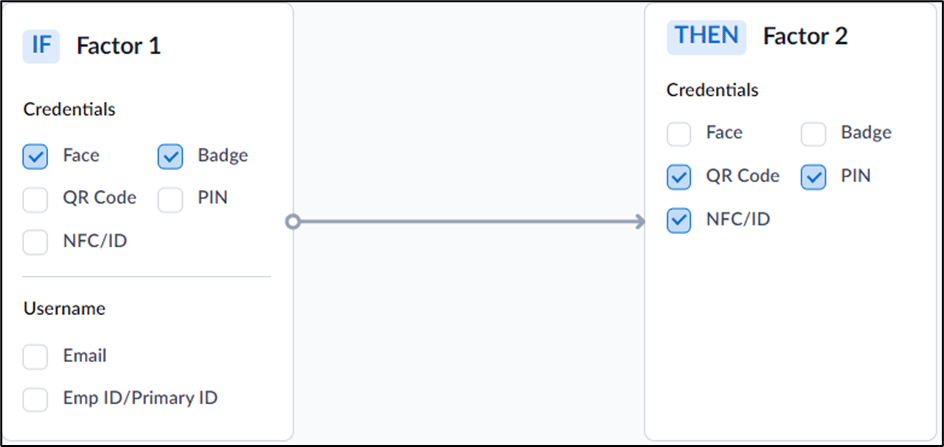
The screen to choose factors is displayed.
-
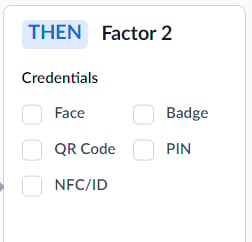
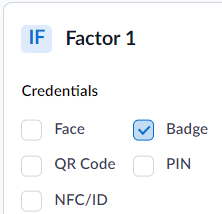
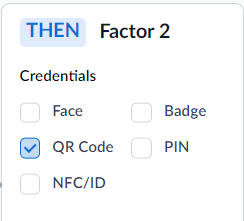
Select Factor 1 and Factor 2 credentials for the first rule.
Note: You cannot select same credentials as both Factor 1 and Factor 2.
-
Click Add Rule to create next rule.
 drag and drop functionality.Note: You can create as many rules as per your requirement. The first rule gets the first priority followed by the next rule. You can change the priority using the
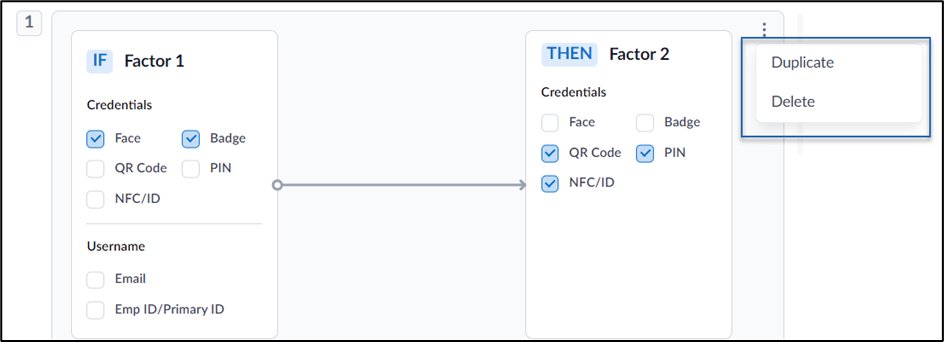
- Click Save. The rule(s) are saved. The application follows the set rules for Multi-factor authentication. You can view the below table on how the MFA functions for set rules with factor 1 and factor 2.