Introduction
The Tenant Admin Portal allows admin to create Connection Groups, which are logical groupings of multiple connections. These groups help organize and manage complex access policies across different locations, enabling shared configurations, policies, and permissions to be applied efficiently.Prerequisite
-
You must have a Tenant Admin account.
Note: You must have Connection Groups access to see this feature in Tenant Admin Portal. Contact Oloid Support for more information.
Steps to Create Connection Groups
- Log in to the Tenant Admin Portal.
-
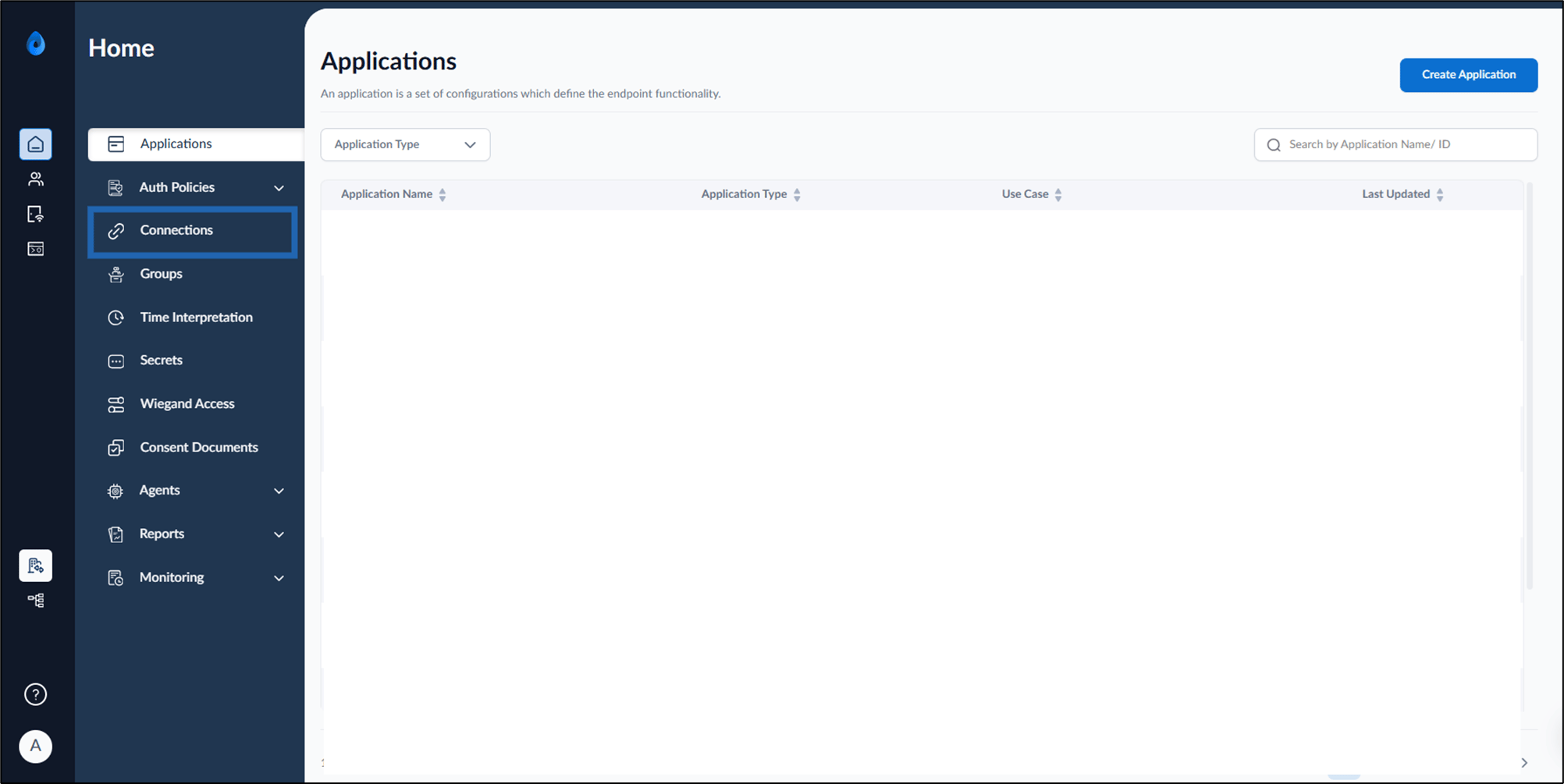
On the home page of the portal, click Connections on the left menu panel.
-
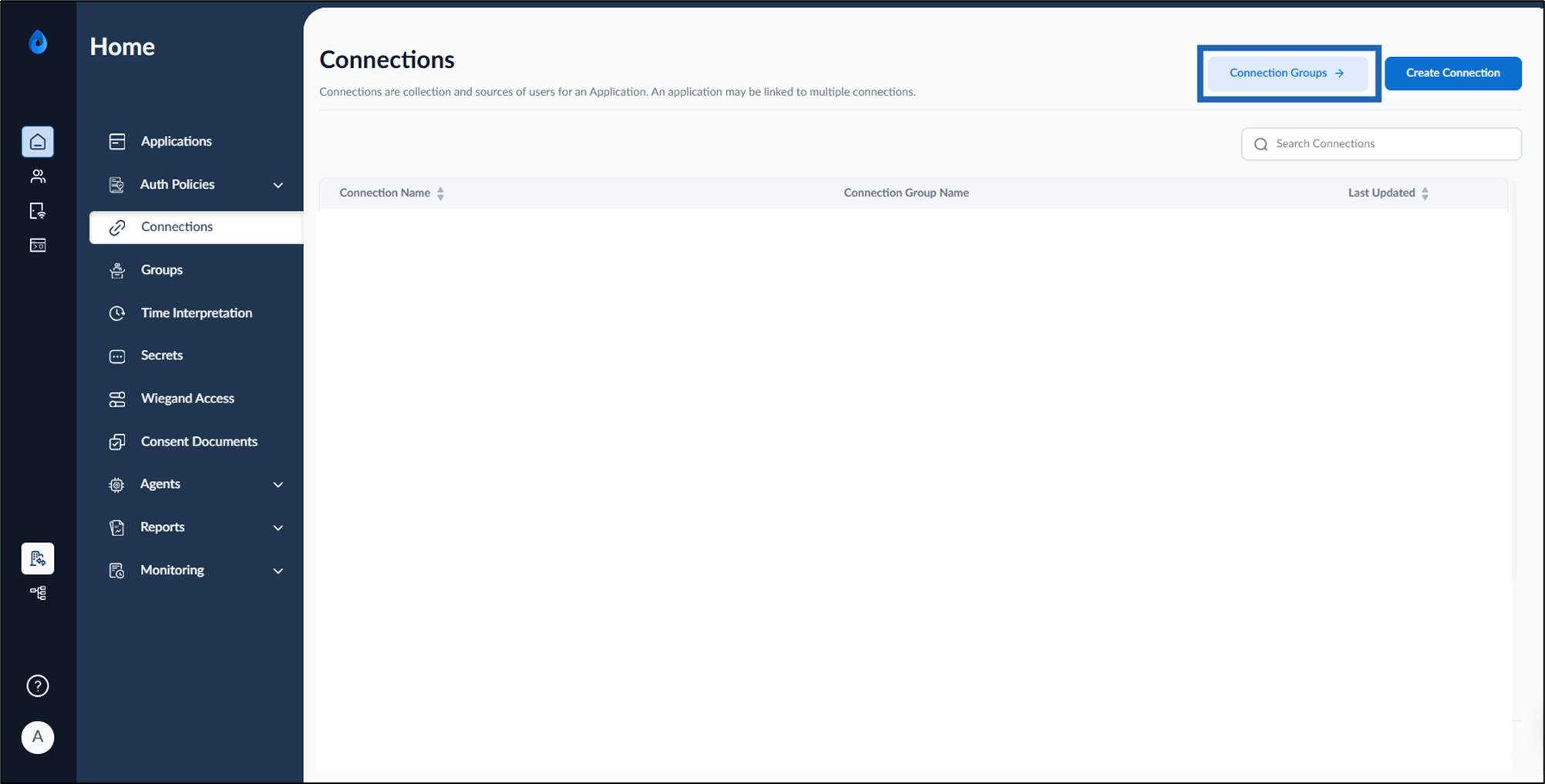
Click Connection Groups on the top right corner of the page.
Note: If the Connection Groups option is not displayed on the Connections page, contact Oloid Support. This feature must be enabled by Oloid to be available.
-
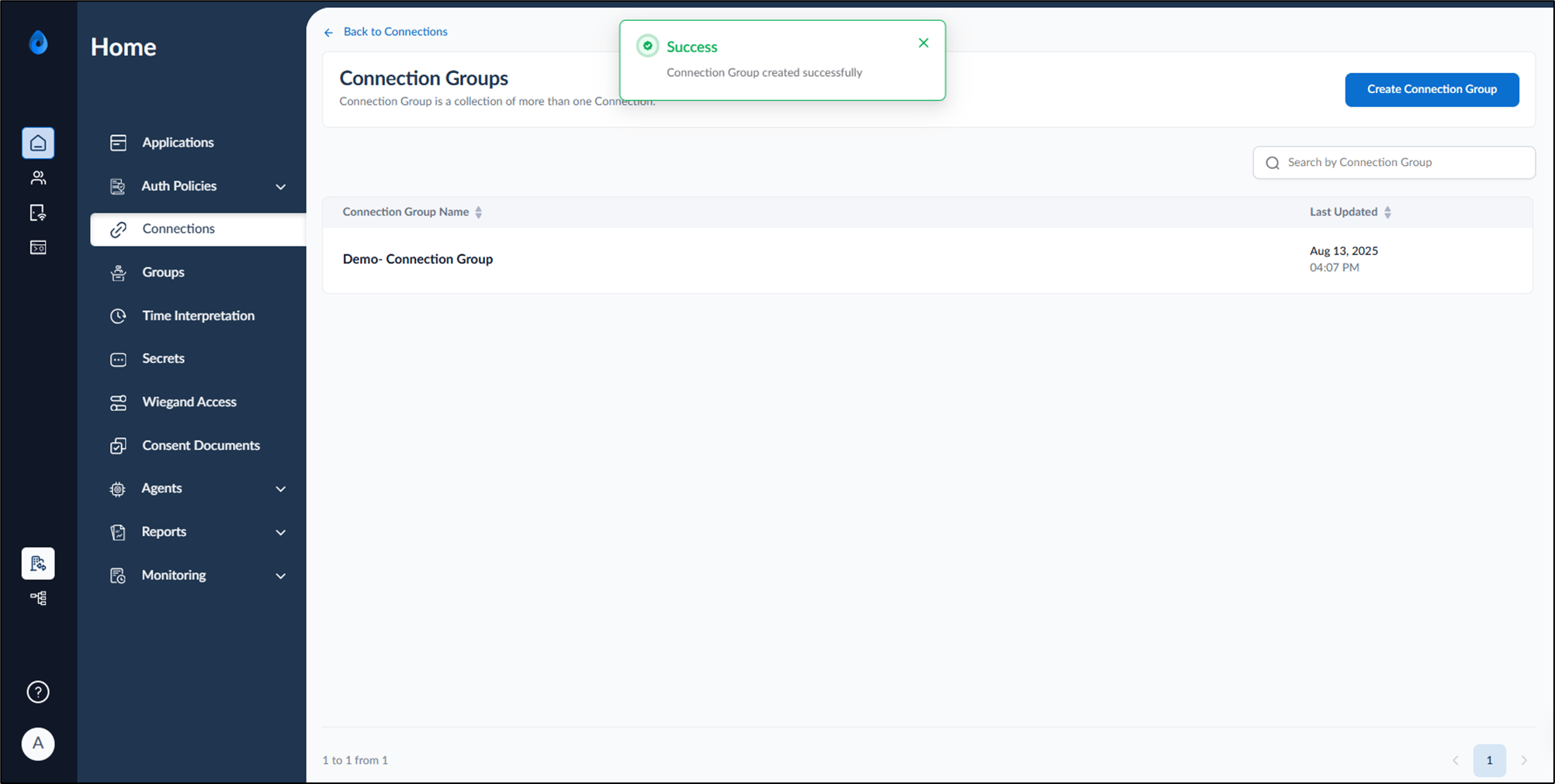
On the top right, click Create Connection Group.
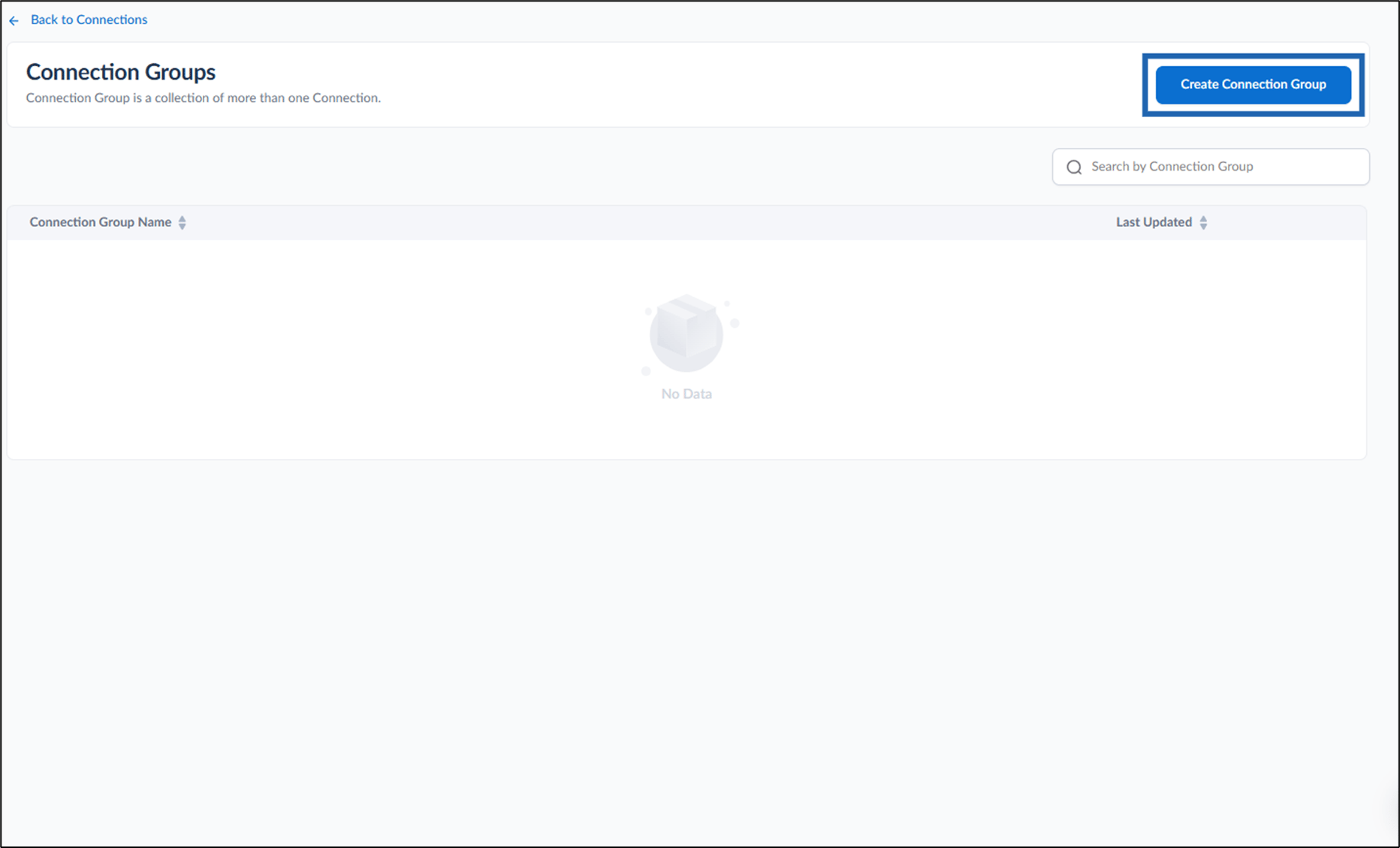
-
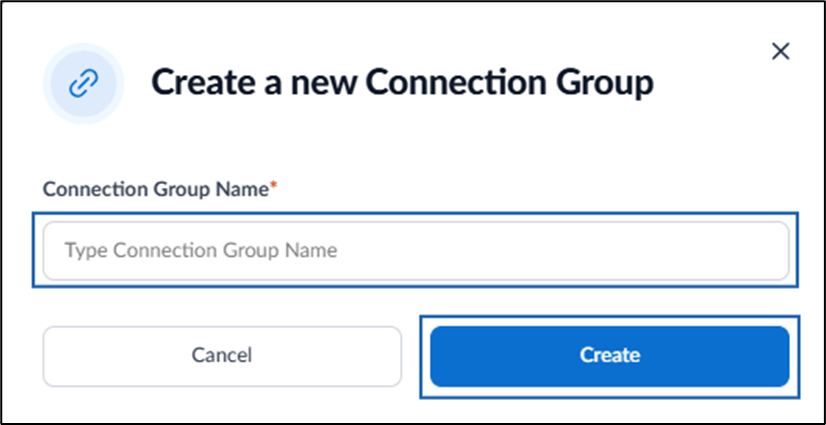
On the pop-up box, do the following:
- Enter a connection group name in the Connection Group Name text field.
- Click Create.