

Prerequisites
- You must have access to the Tenant Admin Portal.
- Ensure the endpoint is paired with the Windows Login application.
- Create Shared Credential of credential type as Domain User. Refer here How to create shared credentials for Windows login.
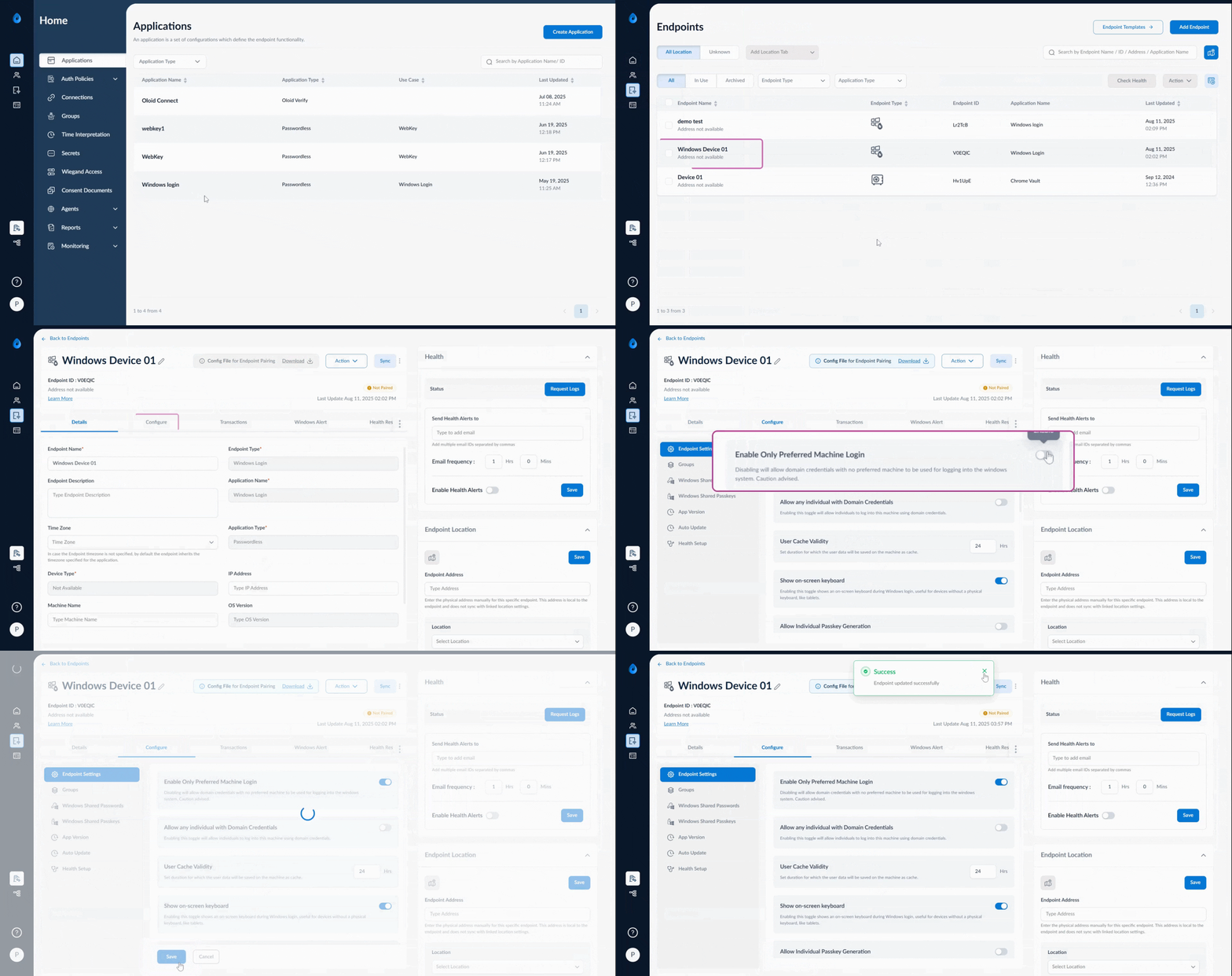
- Log in to the Tenant Admin Portal.
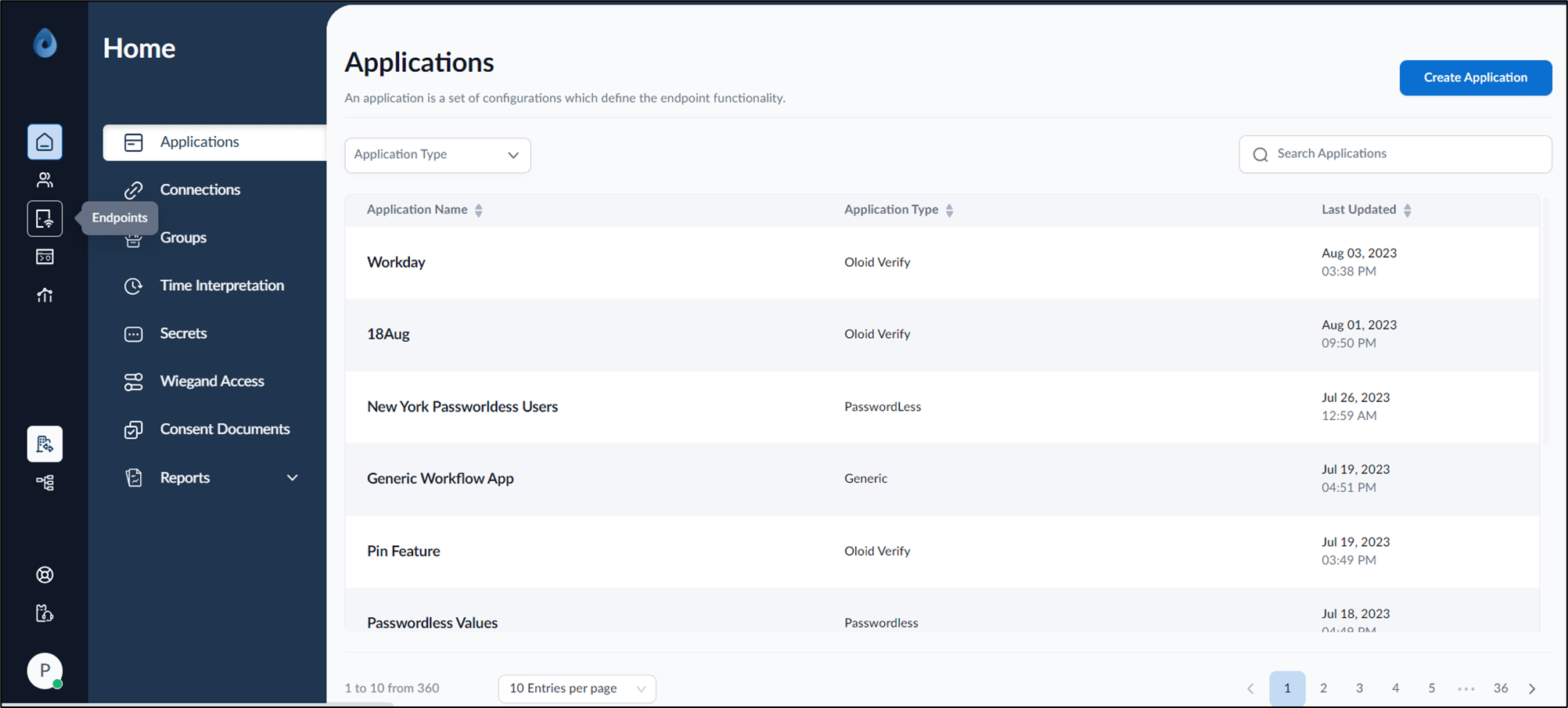
- On the home page of the portal, click Endpoints on the left panel menu.
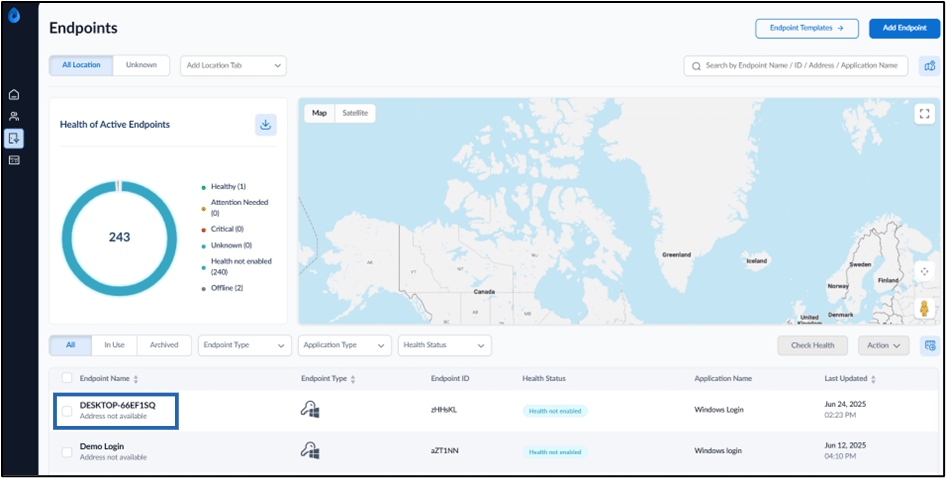
- Select endpoint name from the listed endpoints.
- Go to Configure > Endpoint Settings.
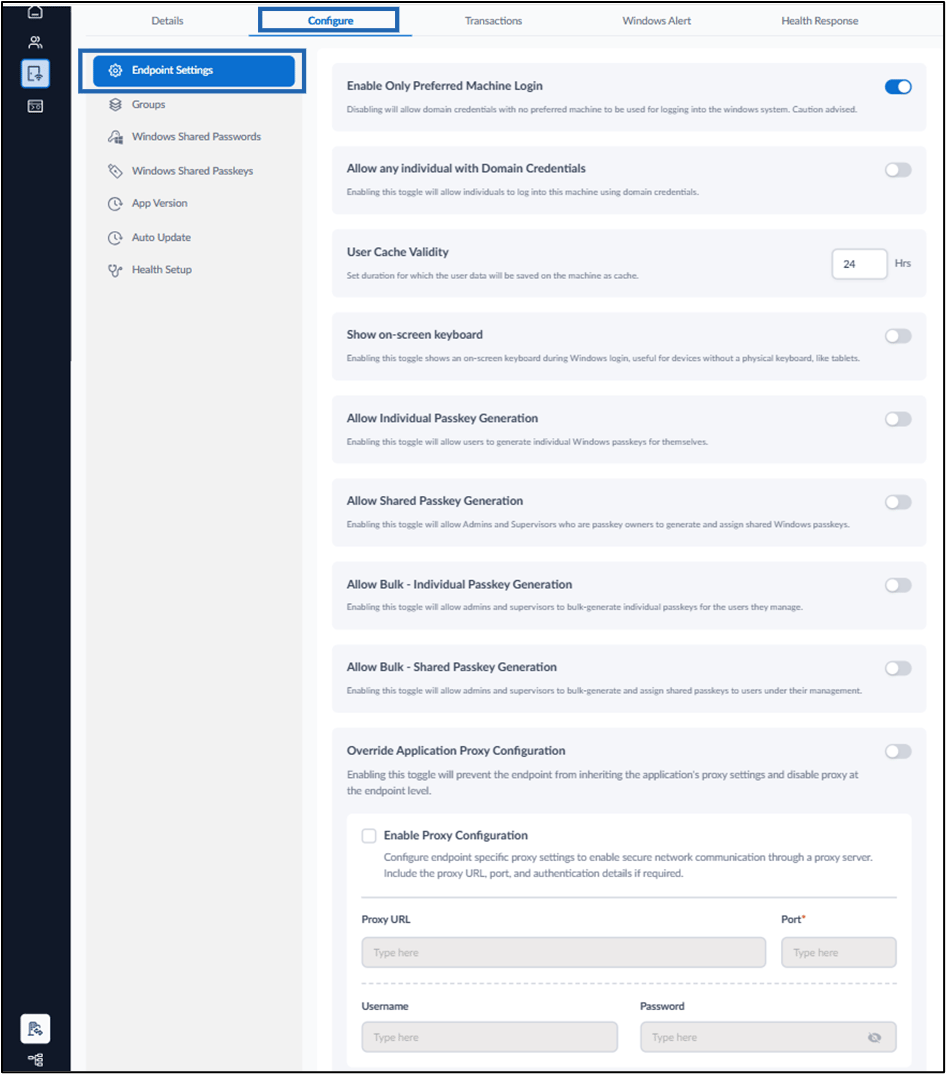
- Turn on Enable only Preferred Machine Login.
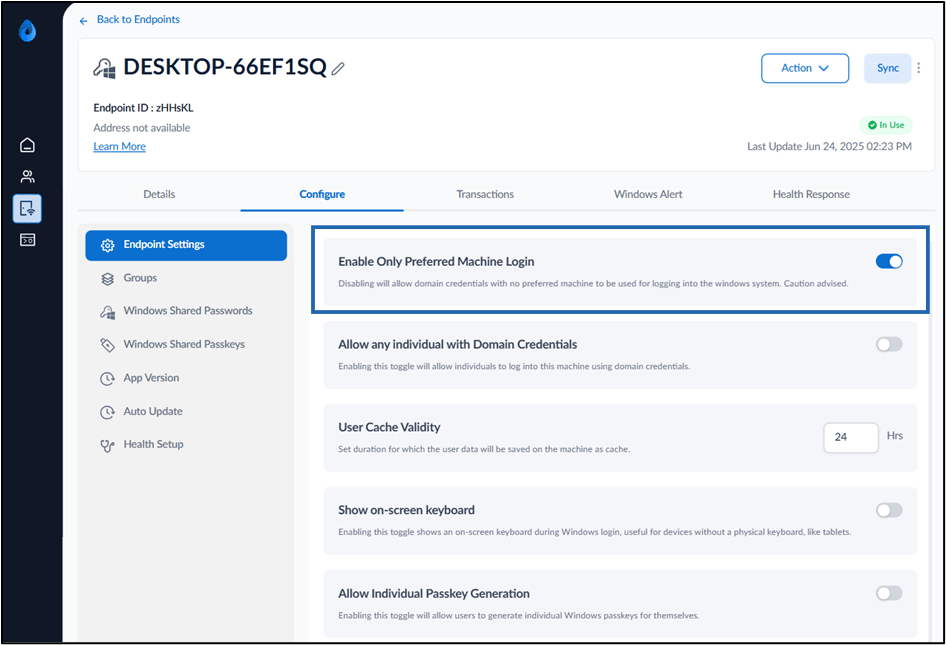
- Click Save. Now, you can successfully log in to your Windows system.