

- Log in to the Oloid Portal.
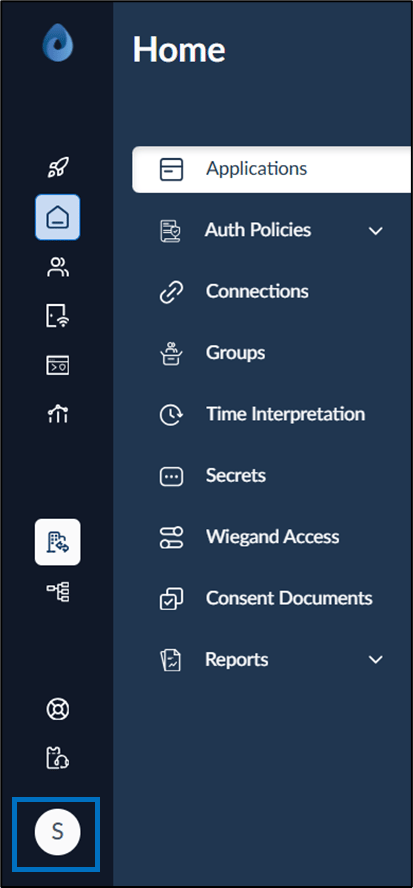
- On the homepage of the portal, click user profile icon on the bottom left corner of the menu panel.
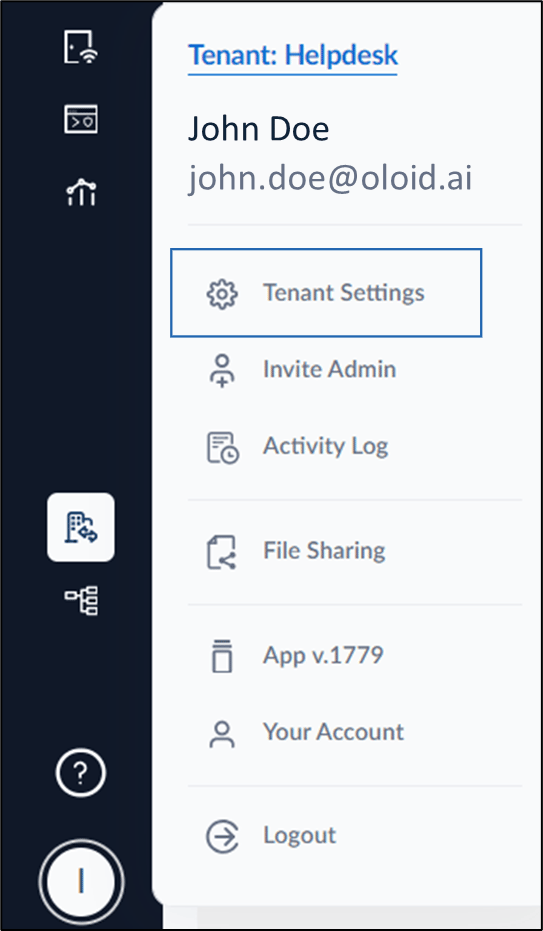
- Select Tenant Settings.
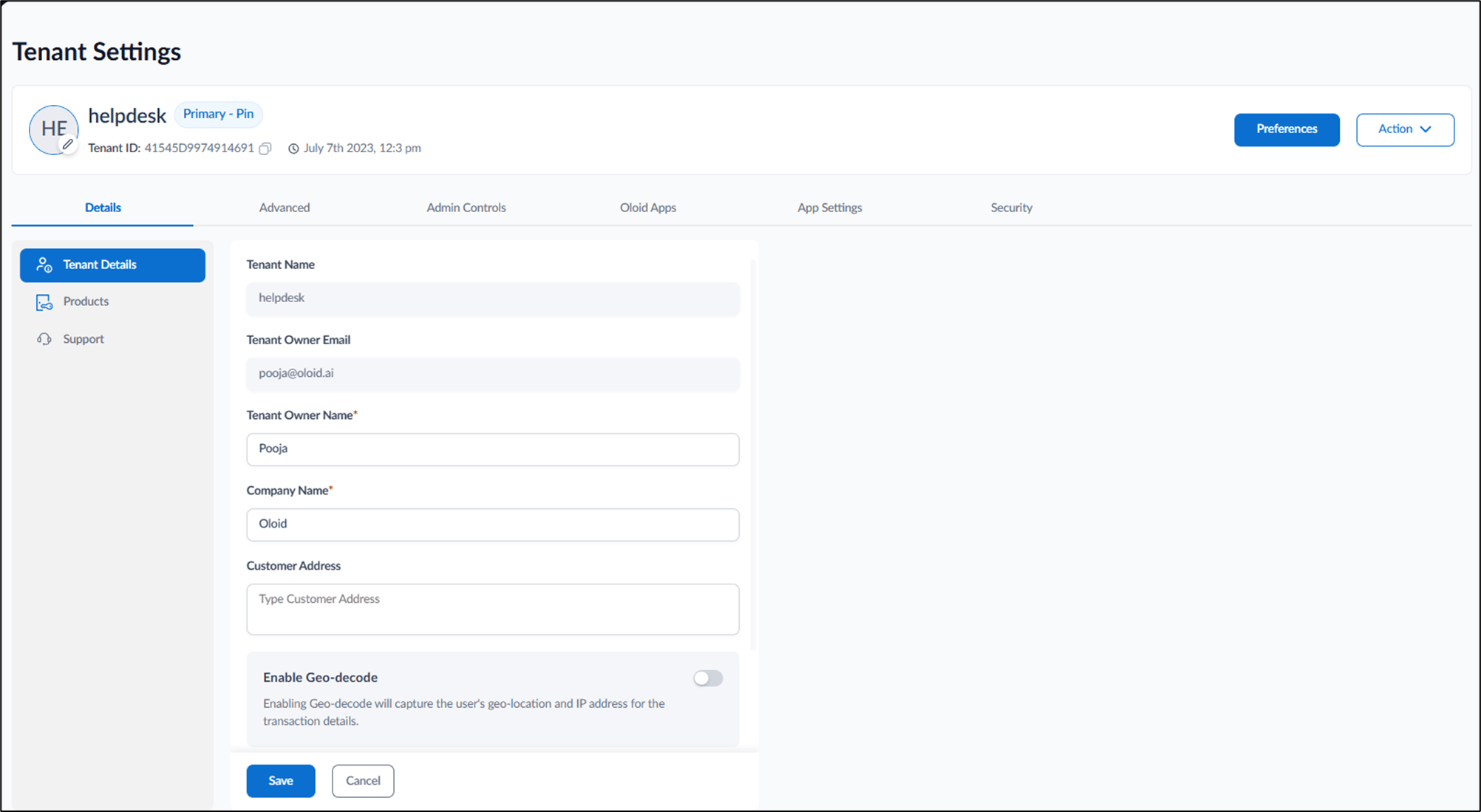
- In Details tab, click Support.
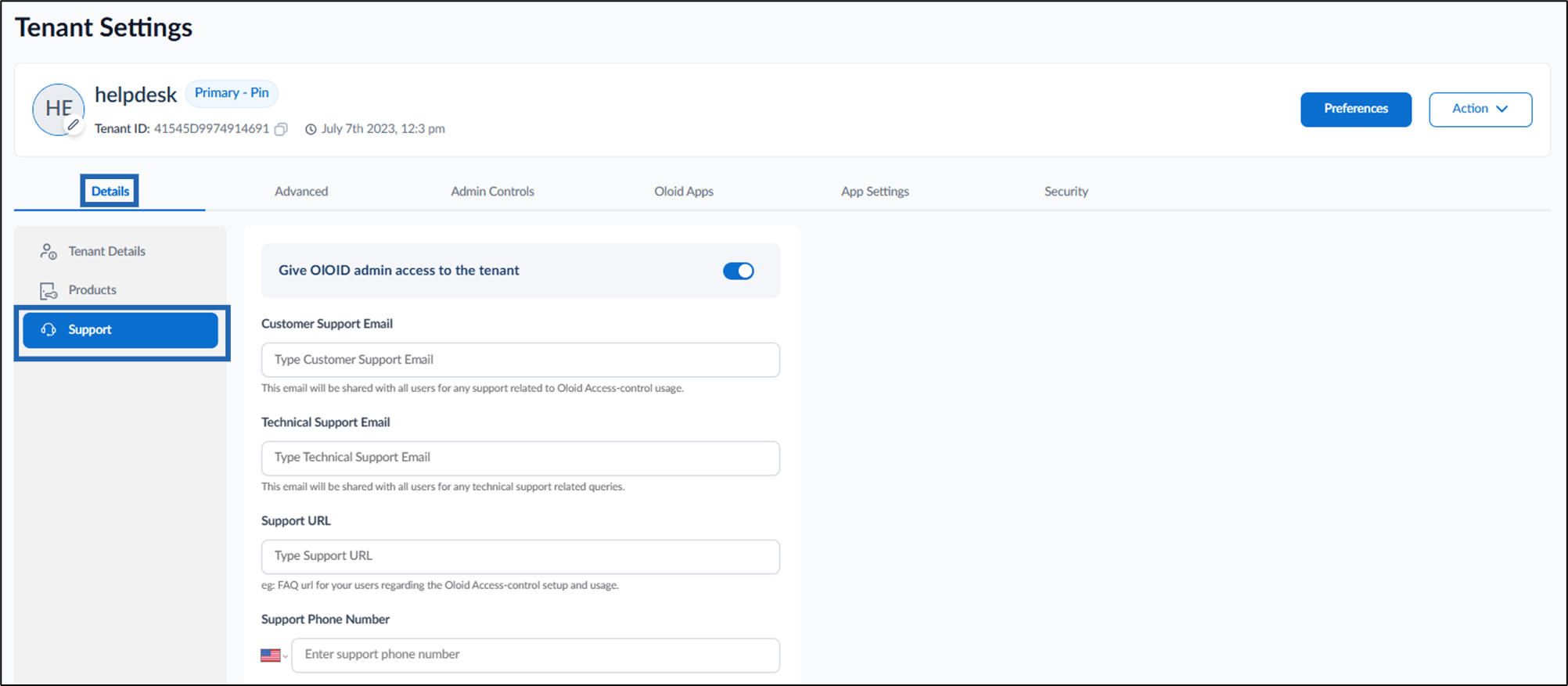
- Enable Give OLOID admin access to the tenant to OLOID admin to provide access to Oloid portal.
- Enter Technical Support Email.
- Enter Customer Support Email.
- Enter Support URL.
- Enter Support Phone Number.
- Click Save. The setting is saved successfully.
How to provide Oloid admin access to the tenant
To provide Oloid admin access, follow the below steps:
To provide Oloid admin access, follow the below steps:
⌘I