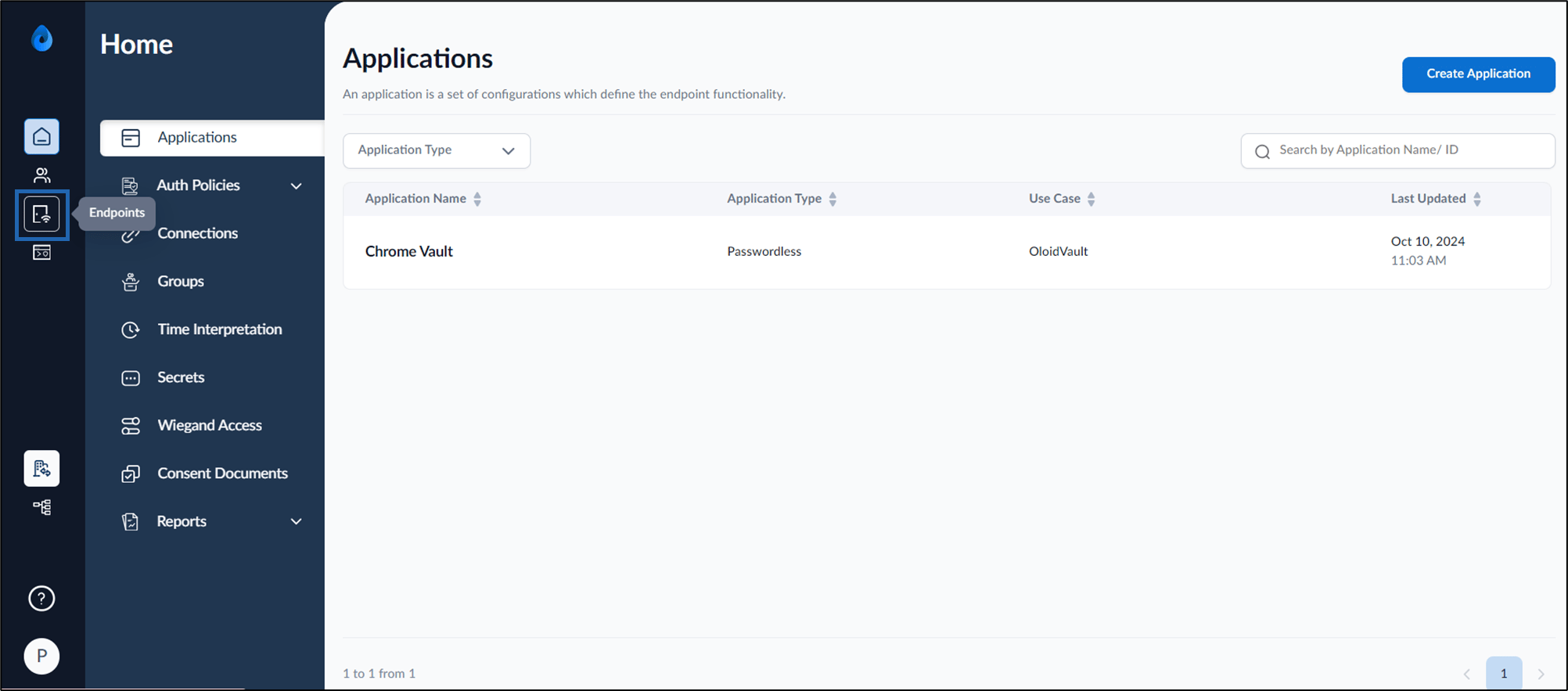
- Log in to the Oloid Portal.
- On the home page of the portal, click Endpoints on the left menu panel.
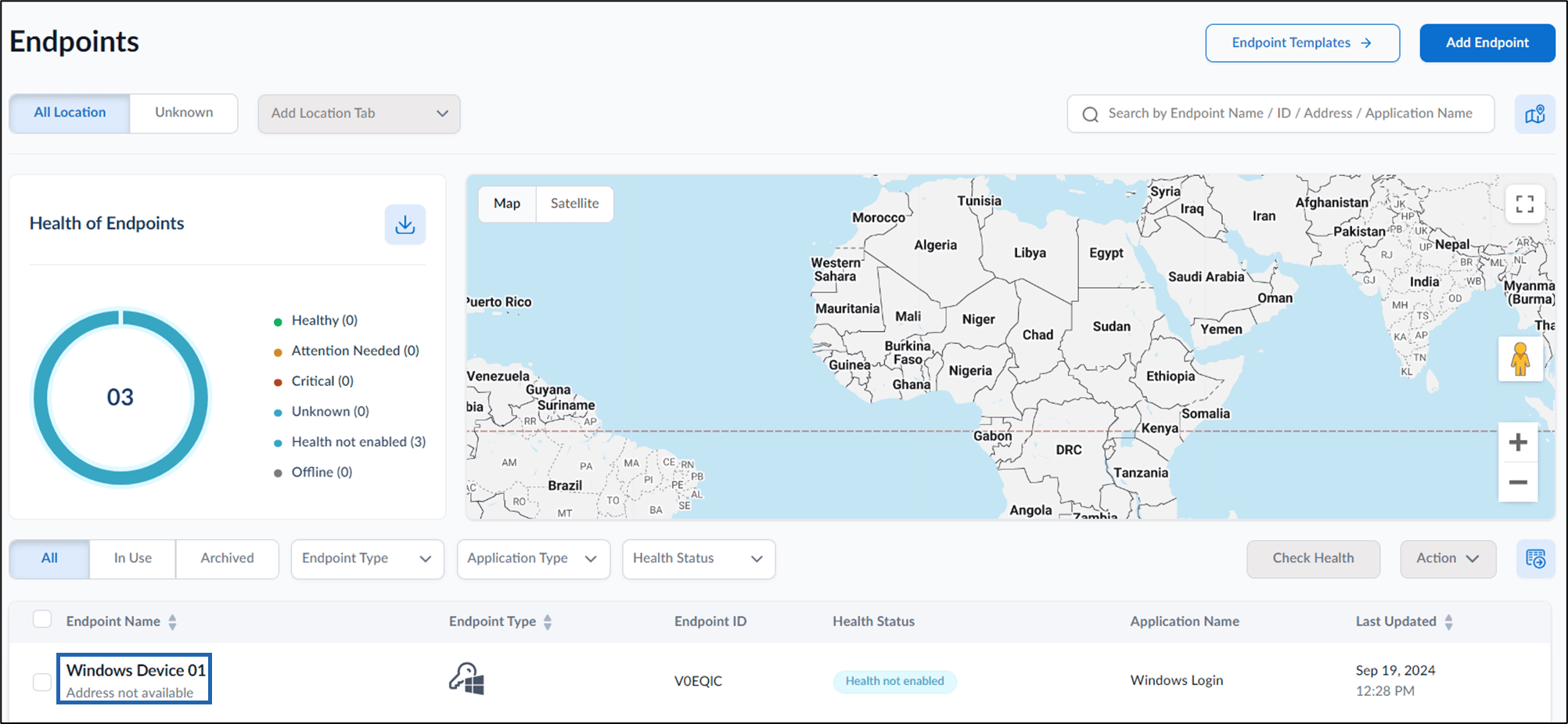
- Click an endpoint name to edit from the listed endpoints.
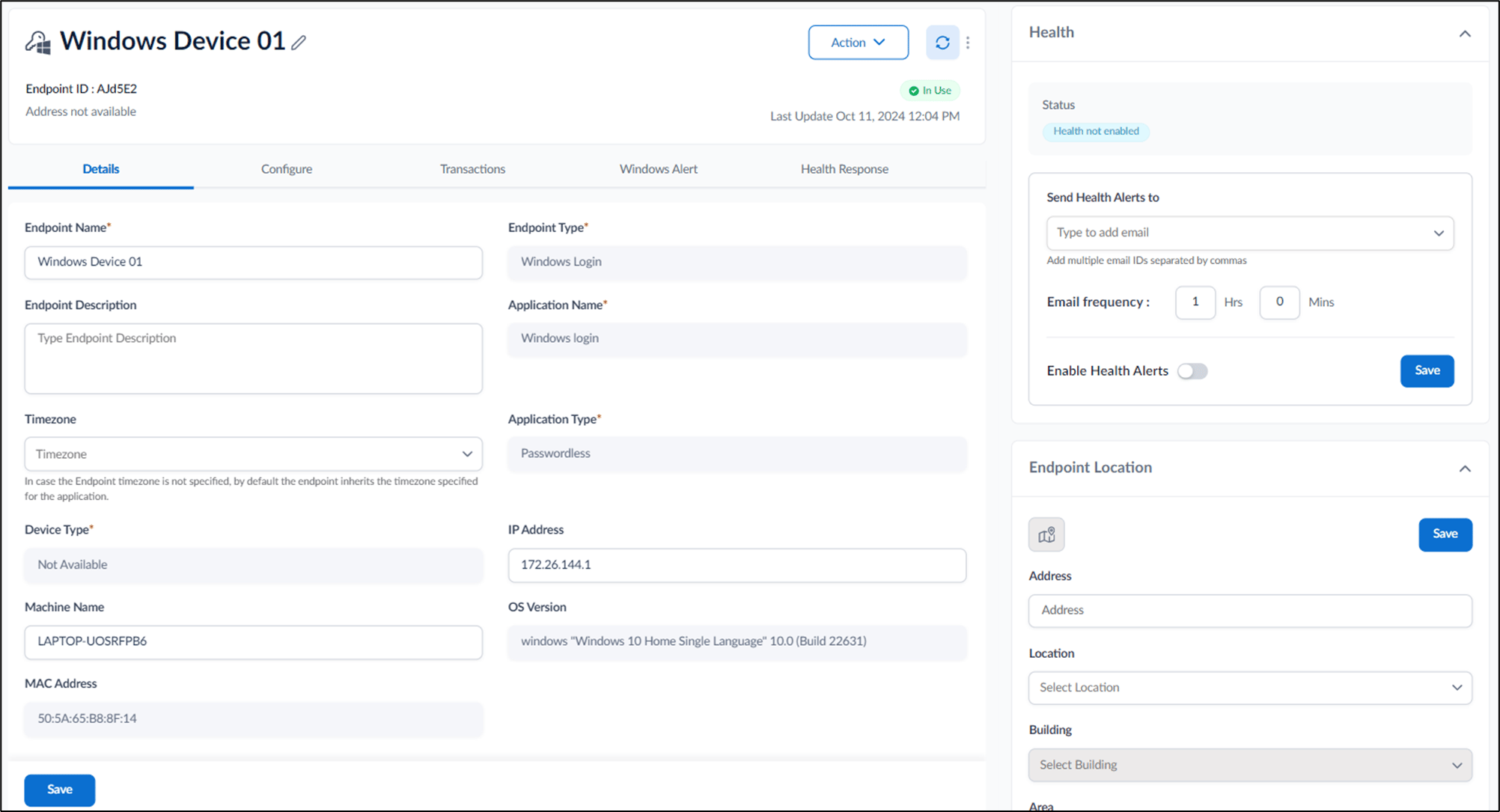
- Do the following:
- Details tab
- Configure tab
- Transactions tab
- Windows Alert tab
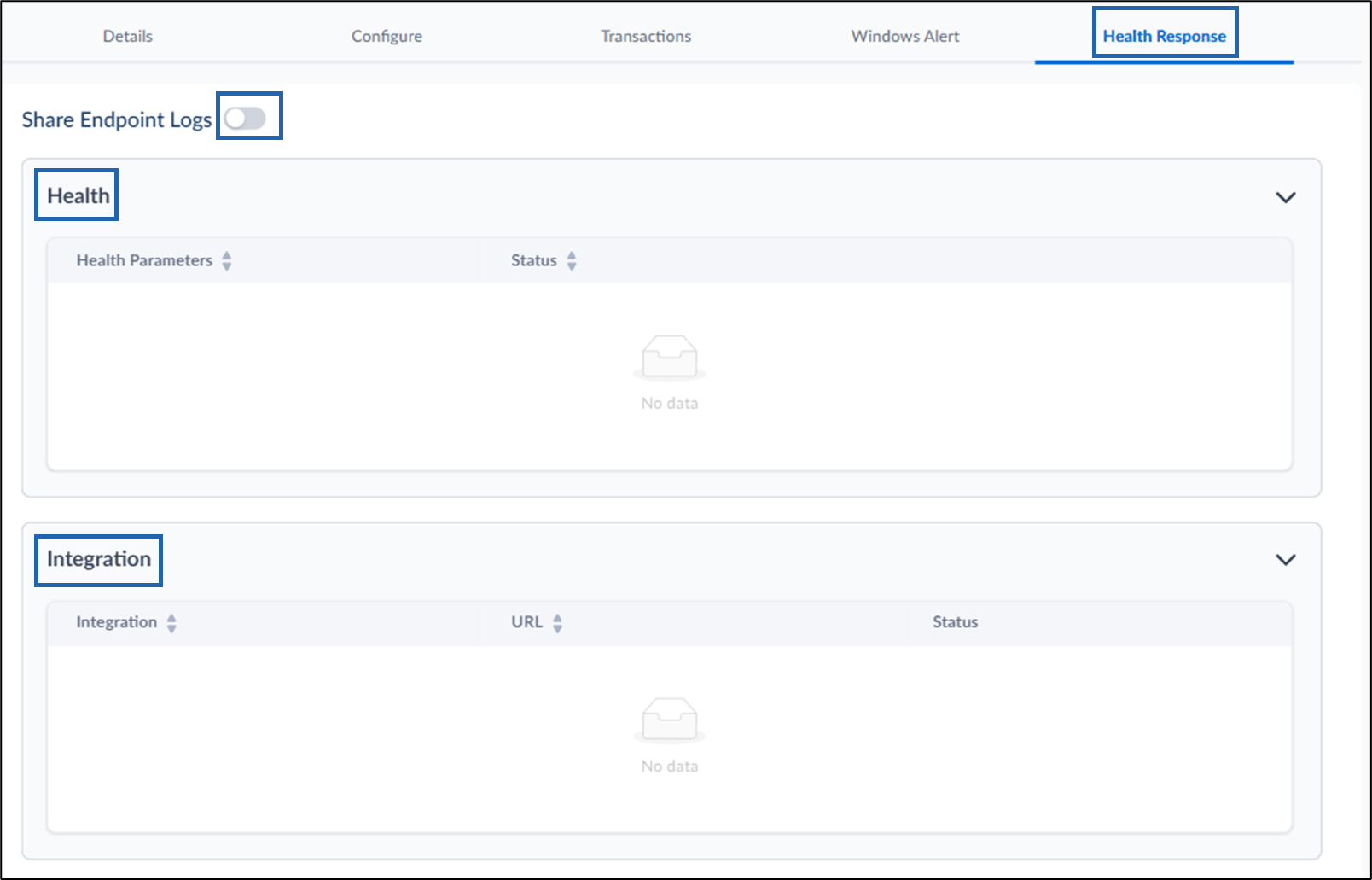
- Health Response tab The Windows Login endpoint is configured.
Configure Details Tab
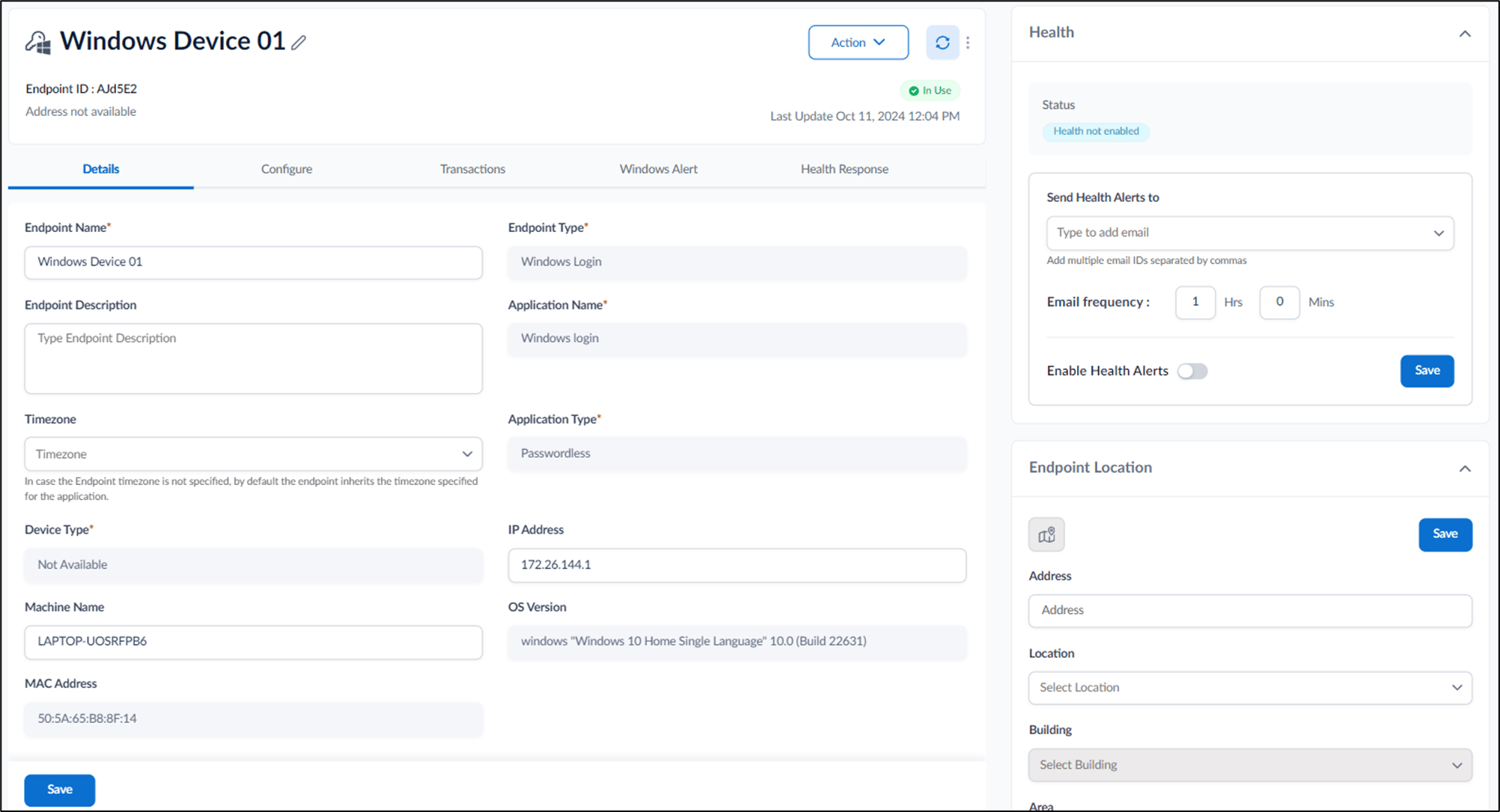
- Edit Endpoint Name. (if required)
- Enter Endpoint Description. (optional).
-
Select Timezone from Timezone dropdown. (optional)
Note: If Endpoint time zone is not specified, by default the endpoint takes the time zone specified for the application.
- Edit IP Address. (optional)
-
Edit Machine Name. (optional)
Note: Enter your Windows device name.
Design Configure Tab
The Configure tab allows you to manage settings for Endpoint Settings, Groups, Windows Shared Passwords, App Version, and Health Setup. Do the following:Endpoint Settings Tab
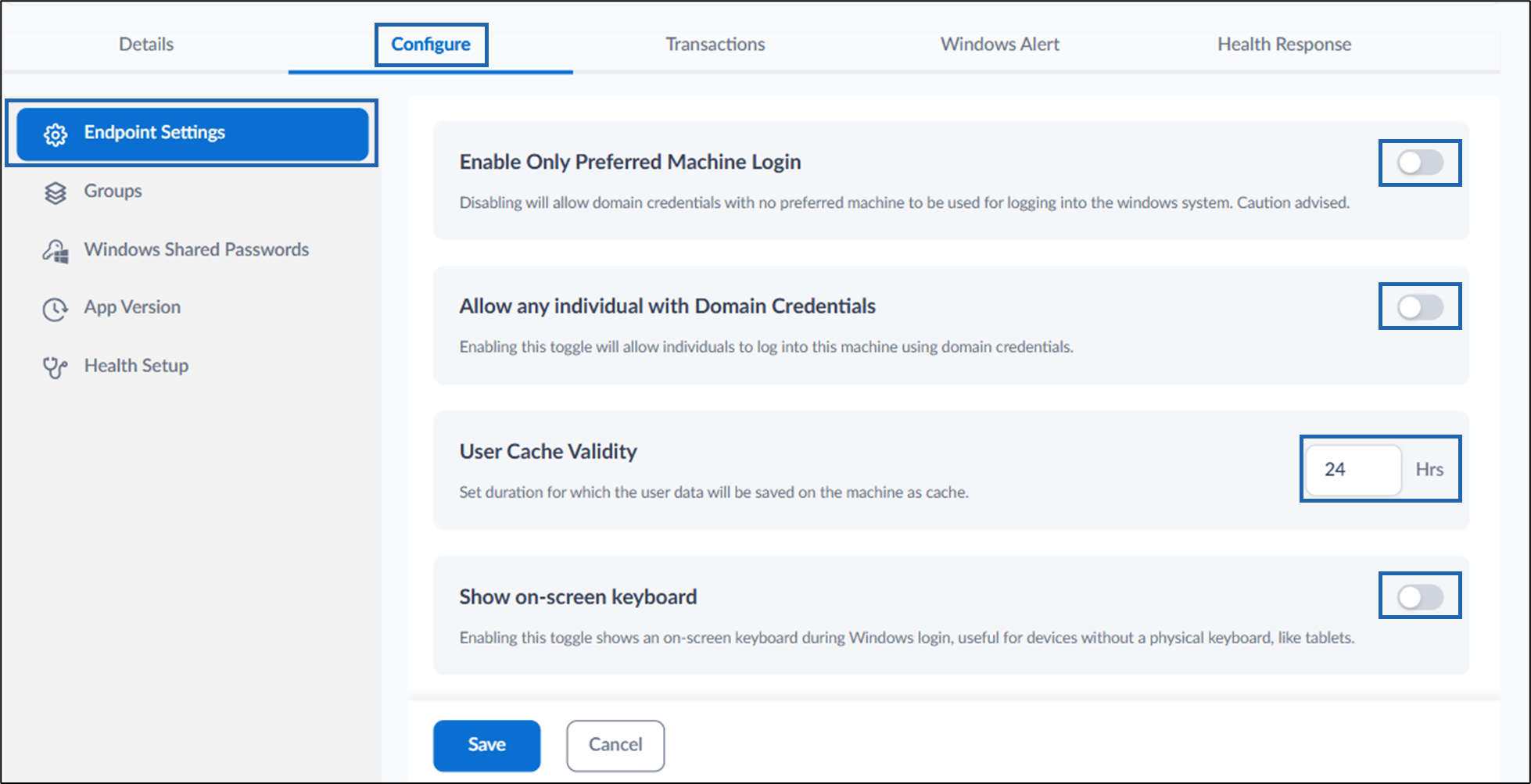
- Enable Only Preferred Machine Login: Turn on this option to allow users to log in to the endpoint only from preferred machines. If disabled, domain credentials can be used to log in from any machine.
- Allow any individual with Domain Credentials: Turn on this button to allow any individual to log into the endpointusing domain credentials.
- User Cache Validity: Set the duration (in hours) to save user data as cached on the machine. This prevents repeated logins from the same machine within the specified time.
- Show on-screen keyboard: Turn on this option to display an on-screen keyboard during Windows login. This option is useful for devices without a physical keyboard, such as tablets.
Groups Tab
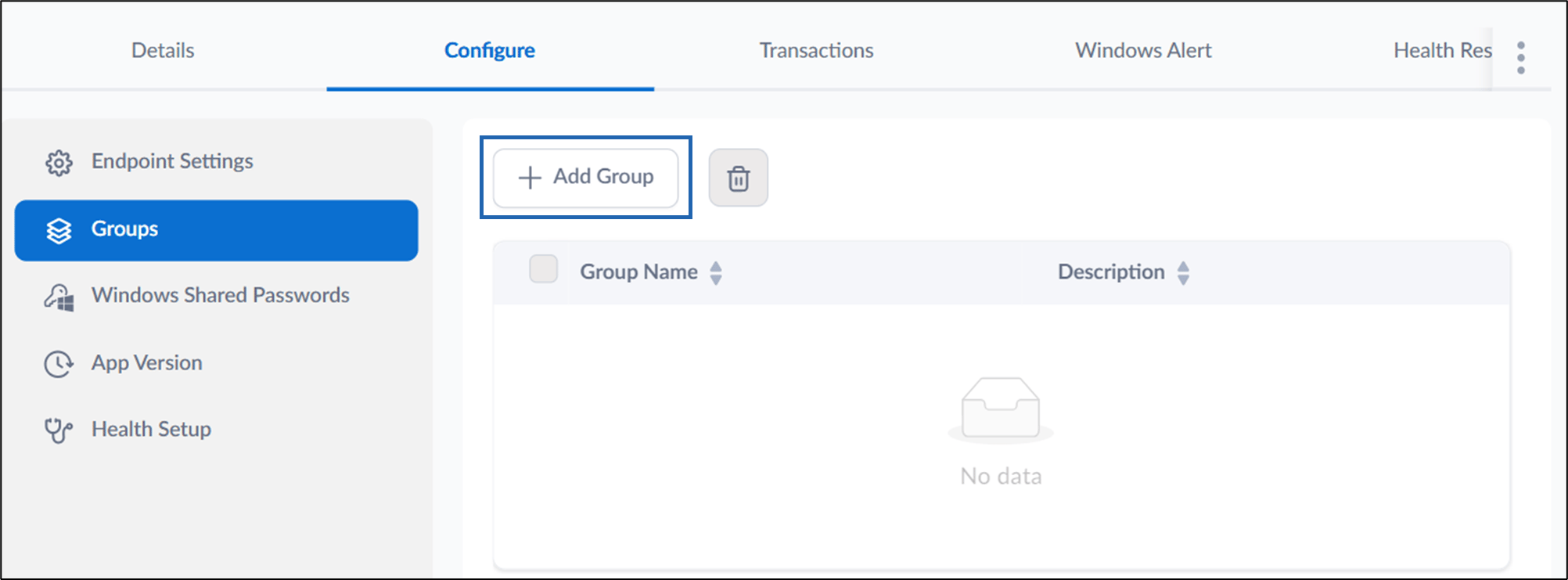
- Select + Add Group to map a group to the endpoint.
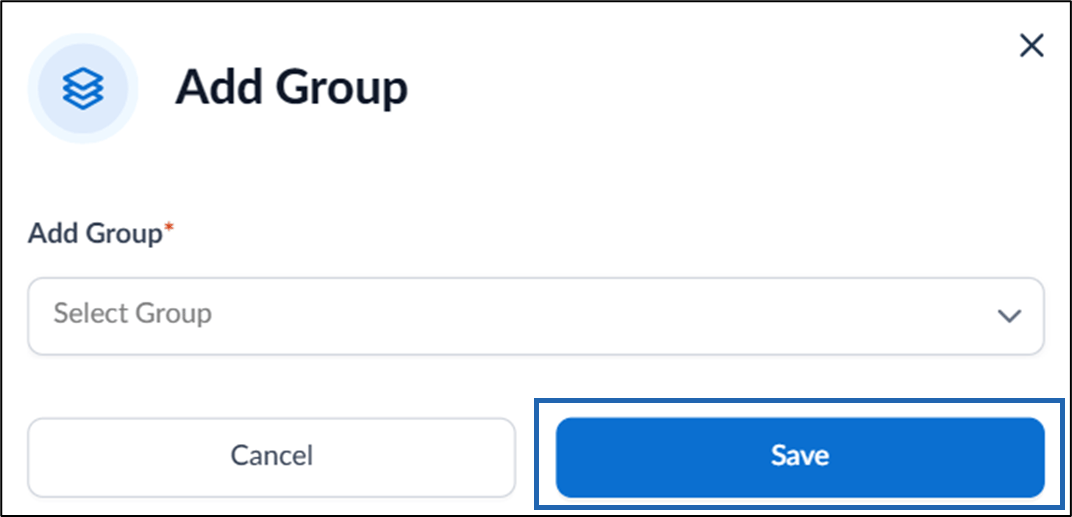
- On the Add Group pop-up box, select group from the Add Group dropdown list and click Save.
Windows Shared Passwords Tab

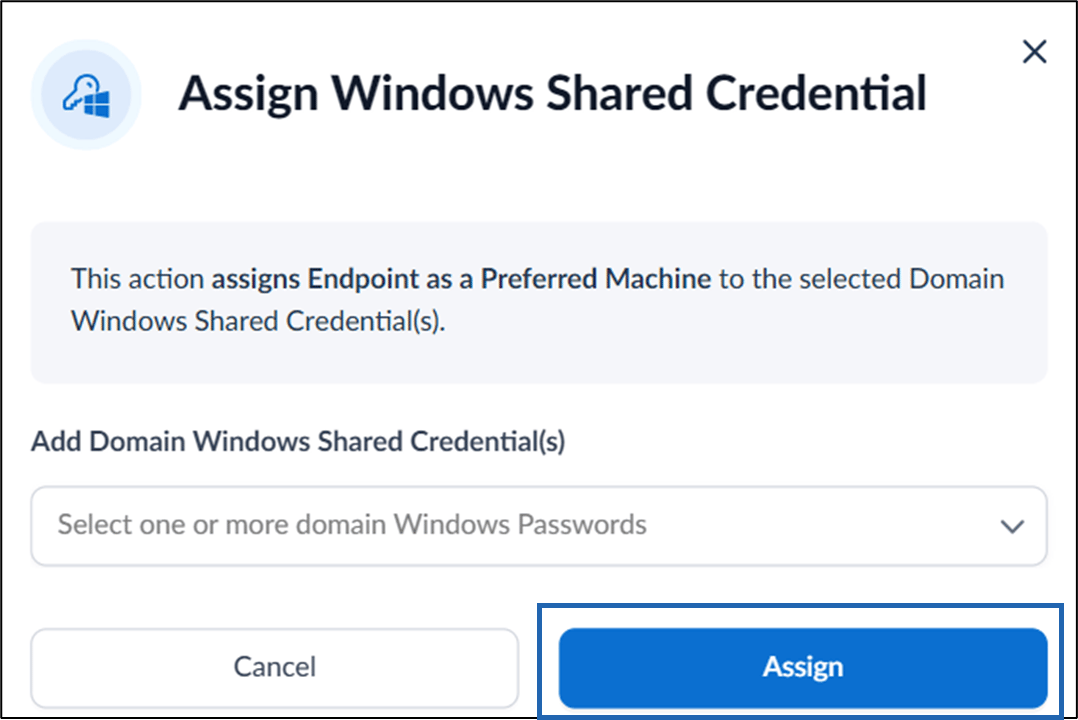
- Select +Assign Windows Shared Credential to allow you to add new Windows shared credentials for endpoints.
- On the Assign Windows Shared Credential pop-up box, select Domain Windows Shared Credential(s) from the Assign Windows Shared Credential dropdown list and click Assign.
App Version Tab
You can view the versions of the installed apps.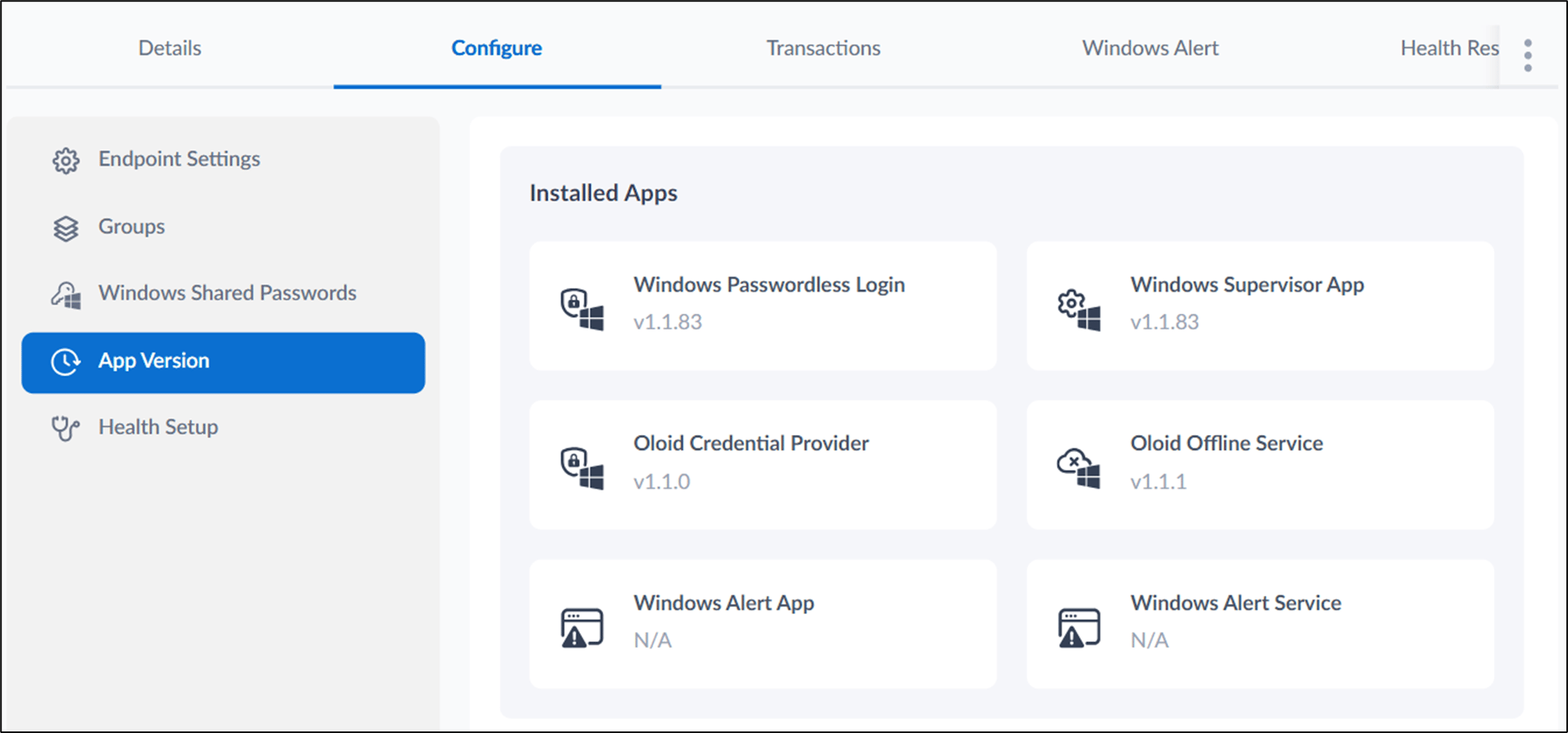
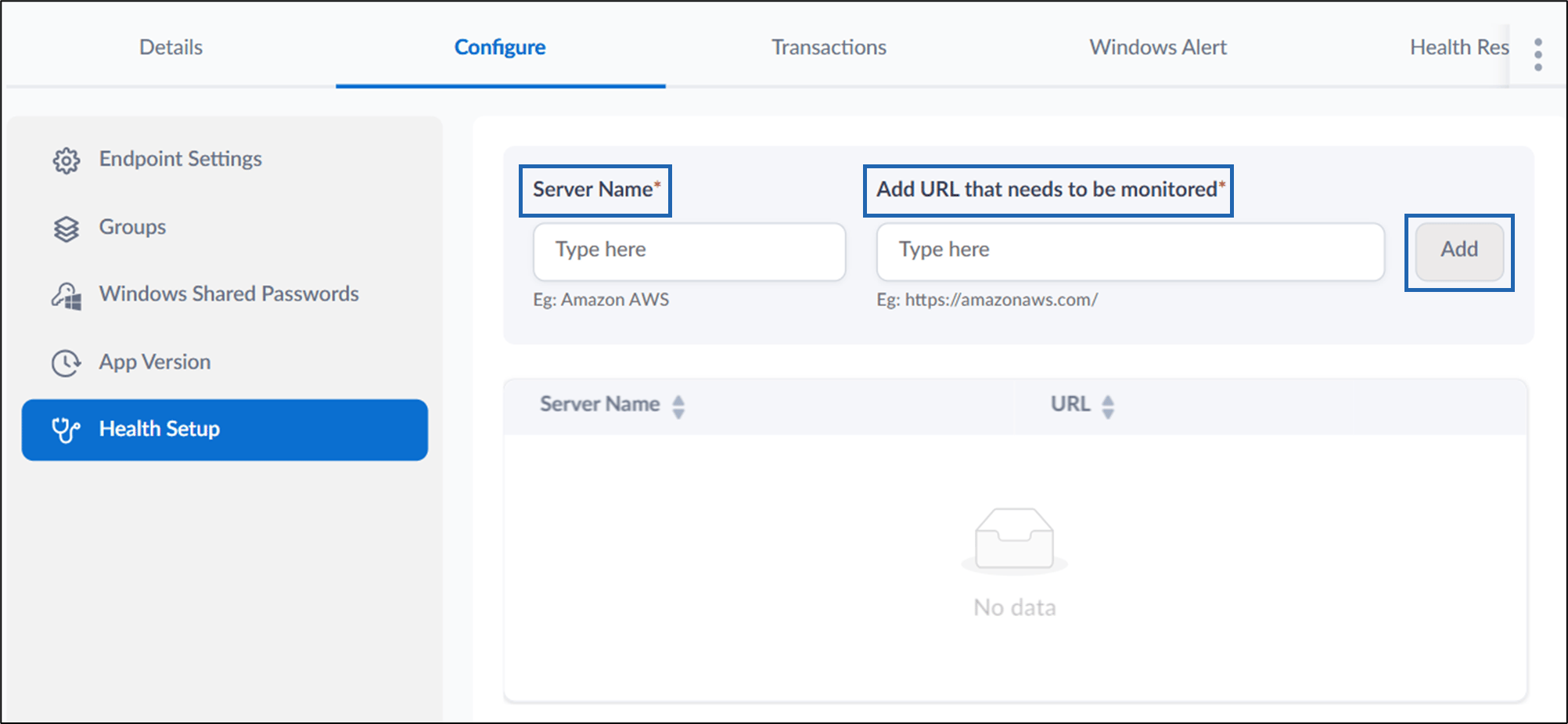
Health Setup Tab
Do the following:- Enter Server Name.
- Enter URL that needs to be monitored.
- Click Add.
Transactions Tab
You can view the transaction for the endpoint.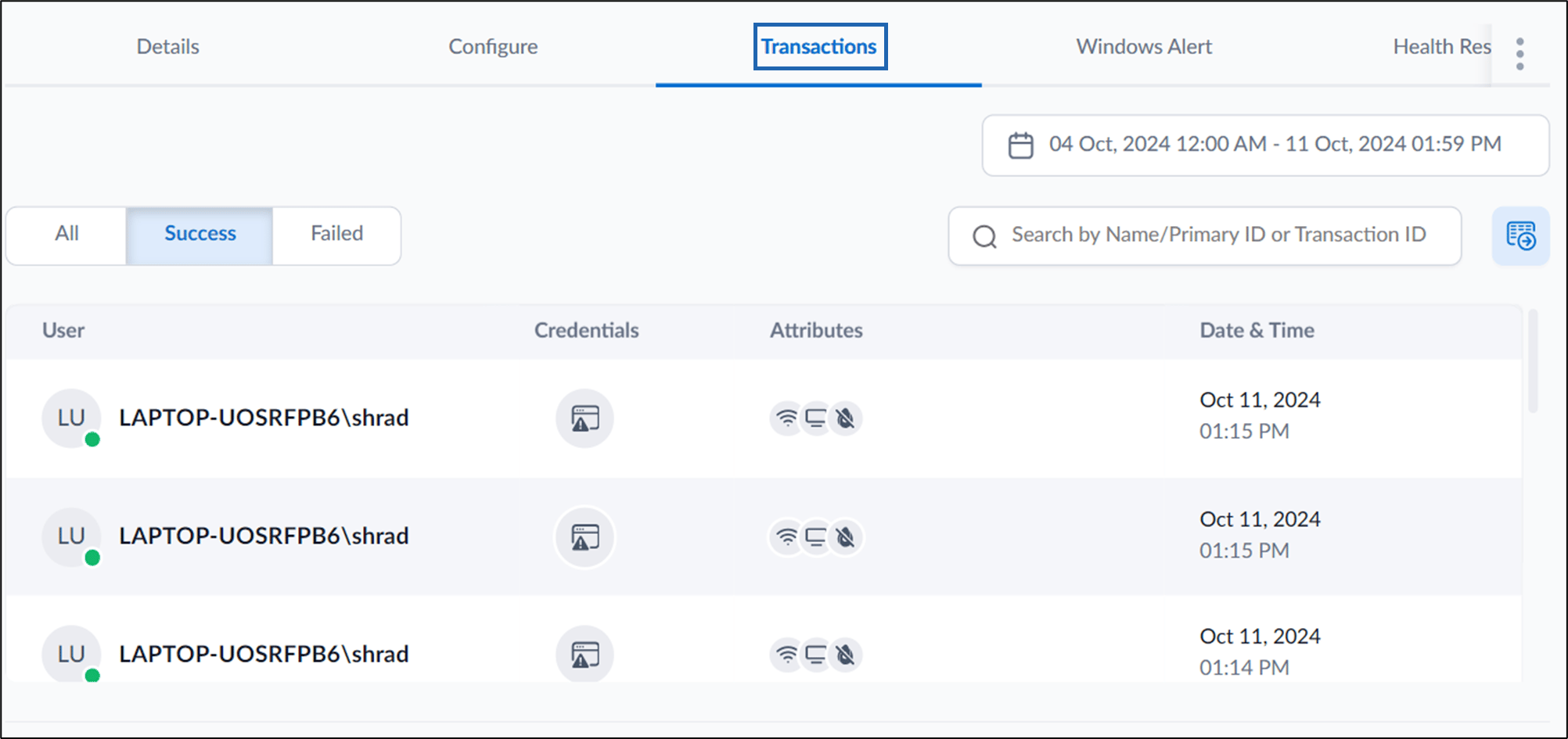
Windows Alert Tab
You can configure the windows alert tab by following the onscreen instructions.
Health Response Tab
You can check the health status of the endpoint.